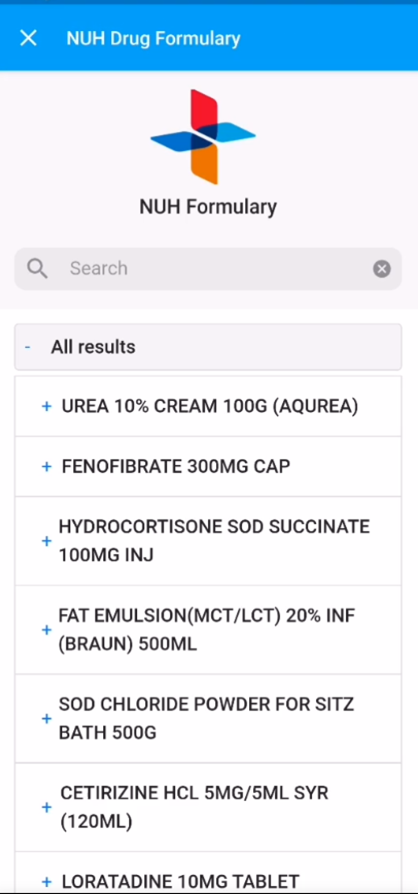
Introduction
Bot MD helps you to search your institution's Pharmacy for information on prices, available formulations, subsidy statuses and more.
The information available within the Formulary may differ between institutions, depending on which data is shared with Bot MD.
⚡️Pro Tip
Bot MD understands generic and most brand drug names so feel free to use either in your search.
Search hospital drug prices and availability
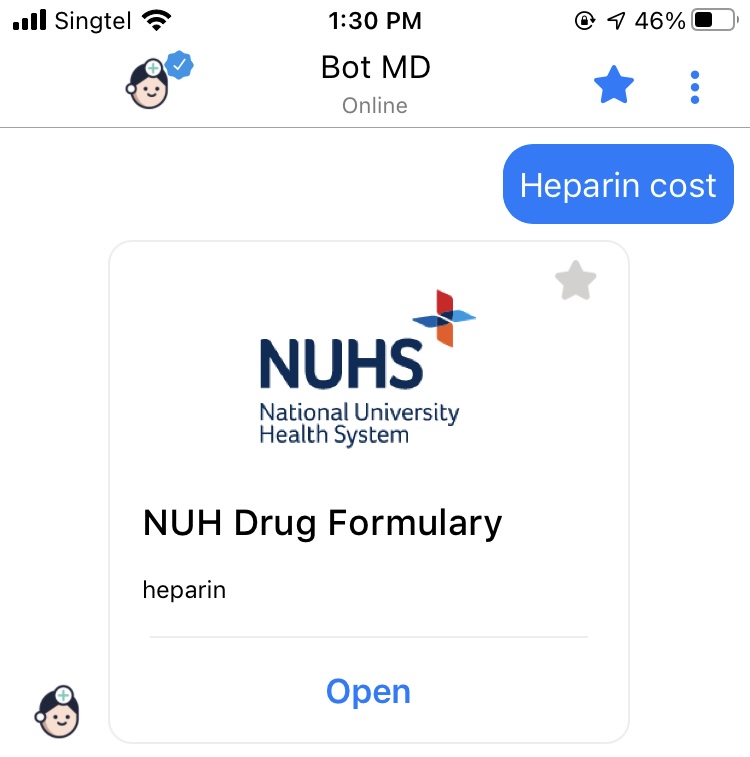
1. Type drug name followed by " price" or " available" and press send.- For example: "heparin price"
2. Bot MD will direct you to the hospital's drug formulary, with the drug name pre-filled and an "open" button.
3. Tap " Open" to view the formulary. Your search terms will be pre-filled within the formulary.
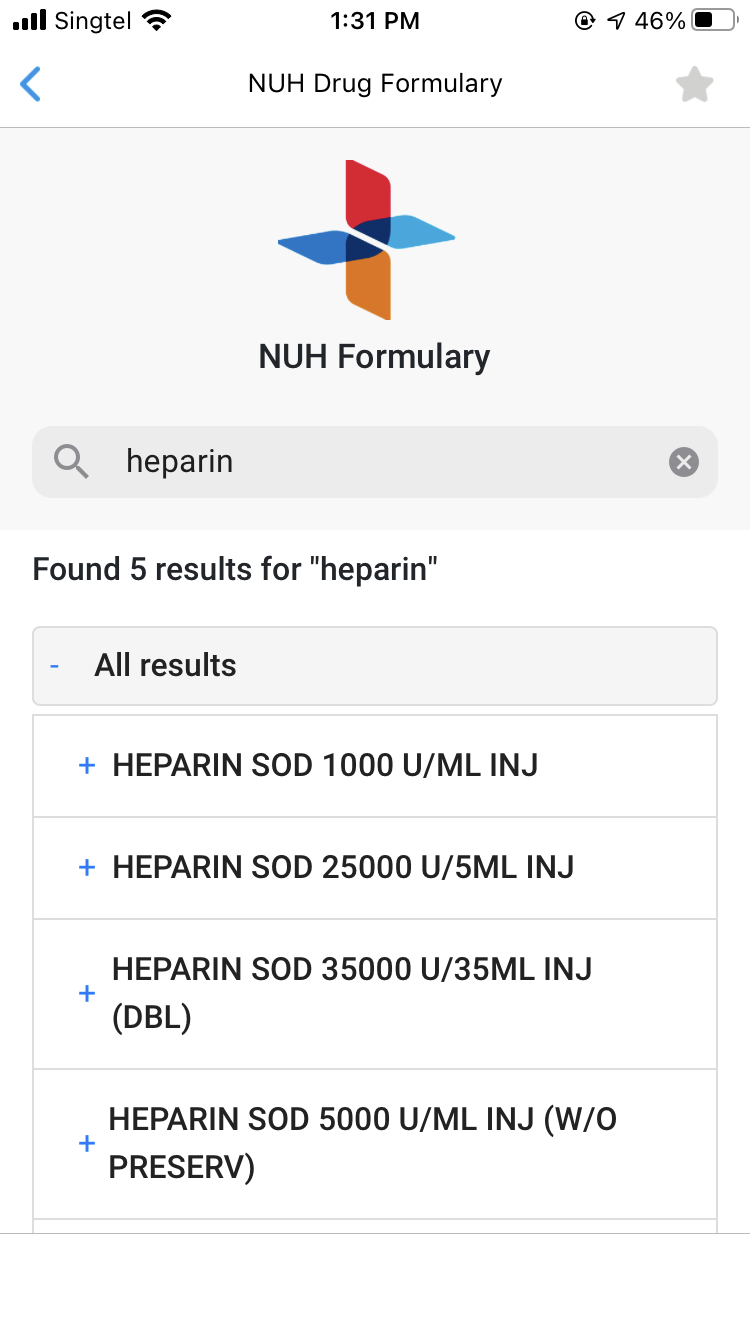
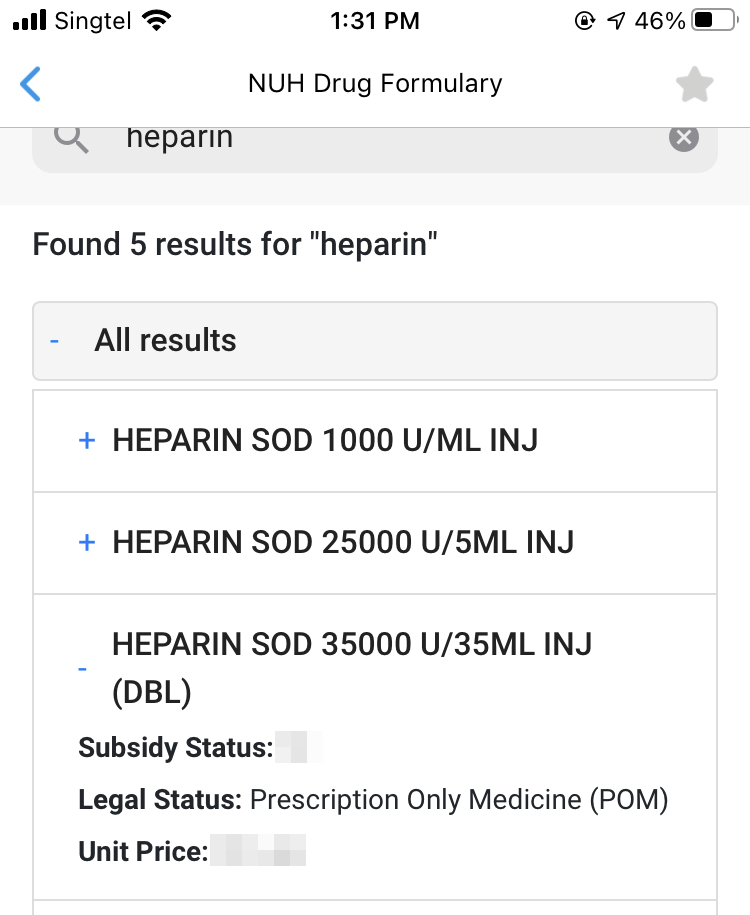
4. Tap on the Expand " +" sign or the name of the formulation to view more information about subsidy status, legal status and drug prices.
⚡️Pro Tip
Bot MD allows you to save your favorite drugs to your Favorites List. Click Here to learn how.
Changing search item within the formulary
- In the search bar of the formulary, you can easily change your search keywords.
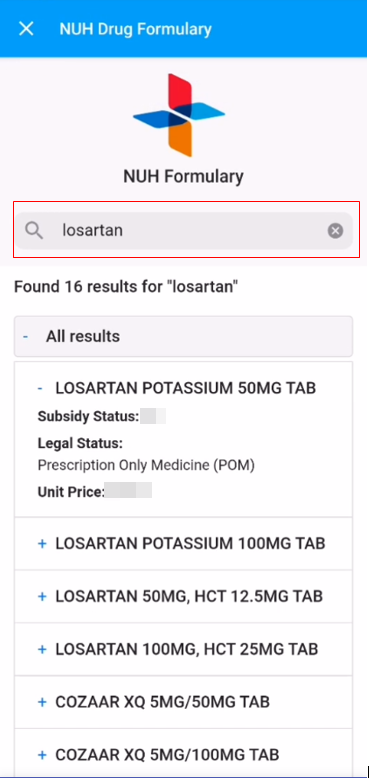
-
Type the new drug name into the search bar to view the new search results.
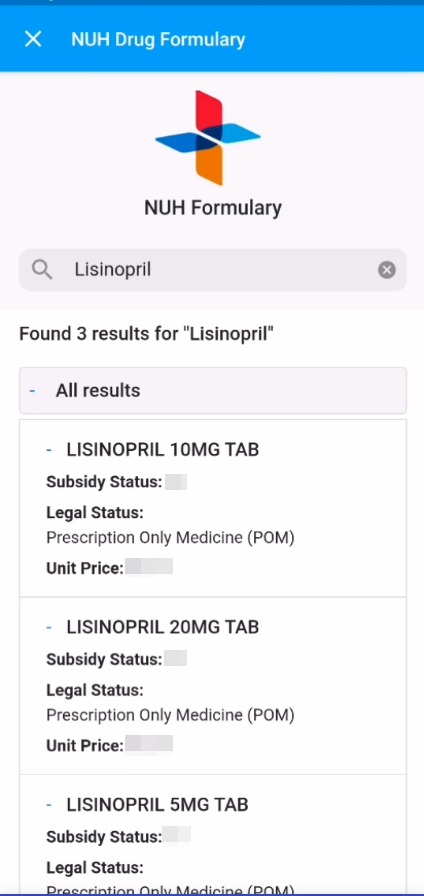
Favorites list
- You can access the favorites list using the star icon below the message section of the app.

- The drug formulary is one of the default favorite items for quick access.
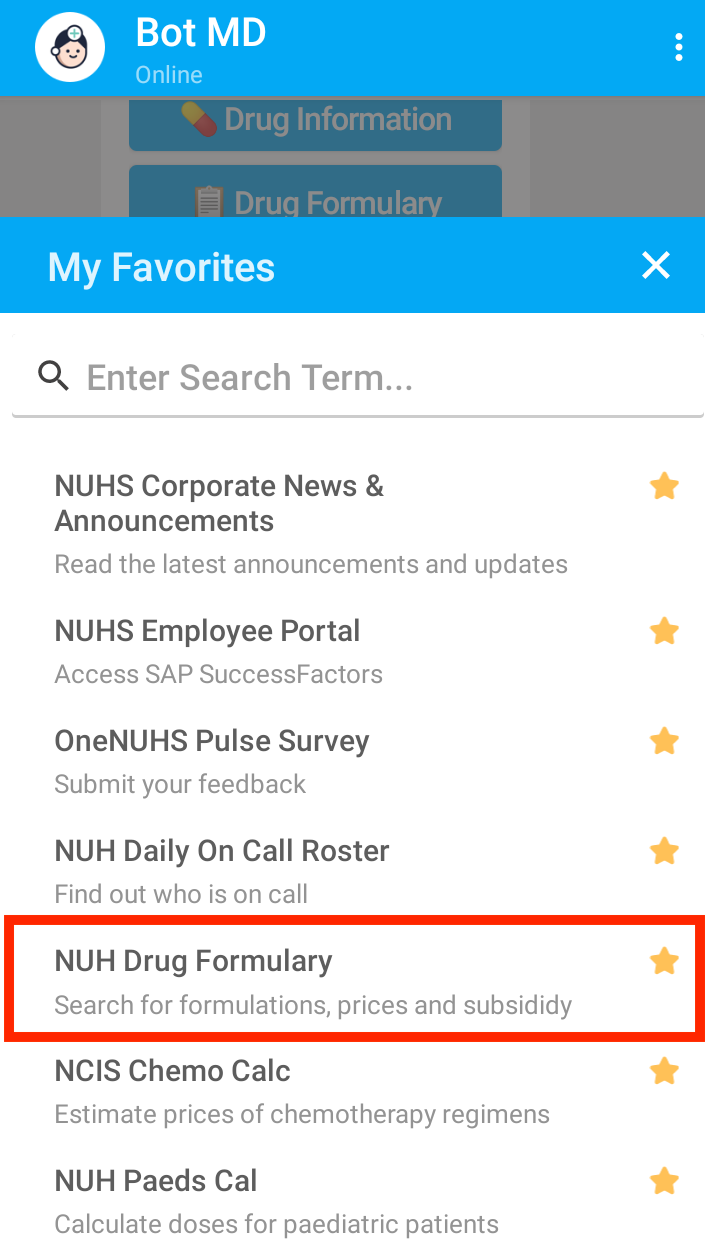
- Tap on it to view the Drug Formulary, and enter keywords into the search bar to filter the results.