Introduction
Bot MD helps you to search your institution's Lab Services for information on prices and available information.
Note: Lab test search is available for institutions that have enabled search for their lab catalogue. The information available within the module may differ between institutions, depending on which data is shared with Bot MD.
Search hospital Lab tests
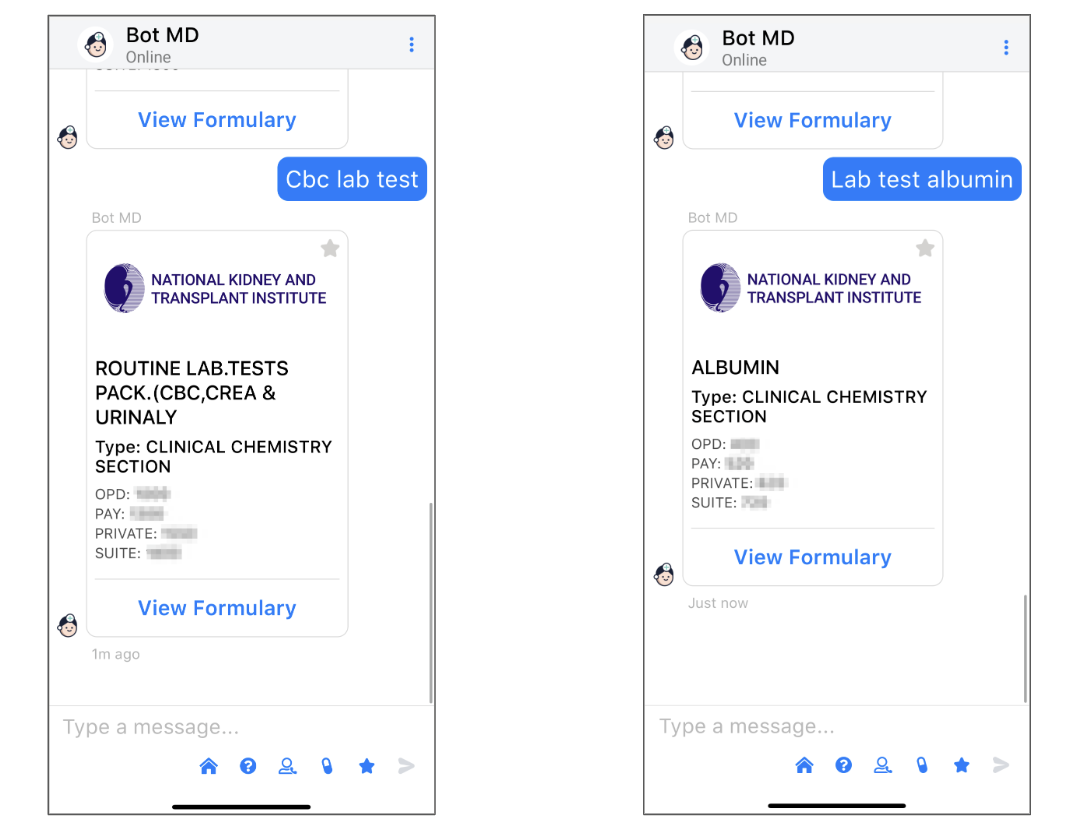
- Type lab test name together with the trigger word "lab test" and press send.
Examples:
- "cbc lab test"
- "lab test albumin"
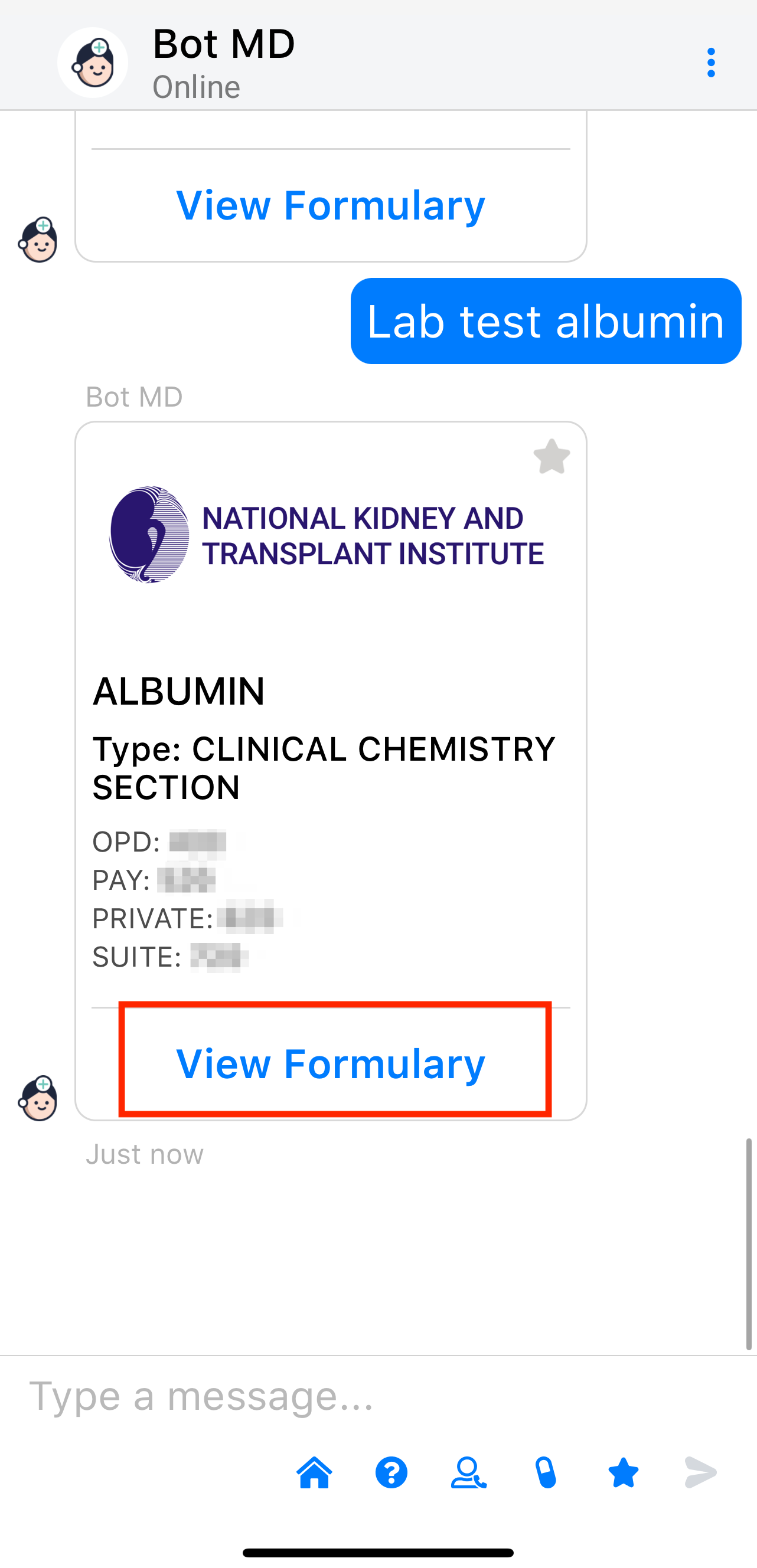
2. Tap "View Formulary" to view the formulary.
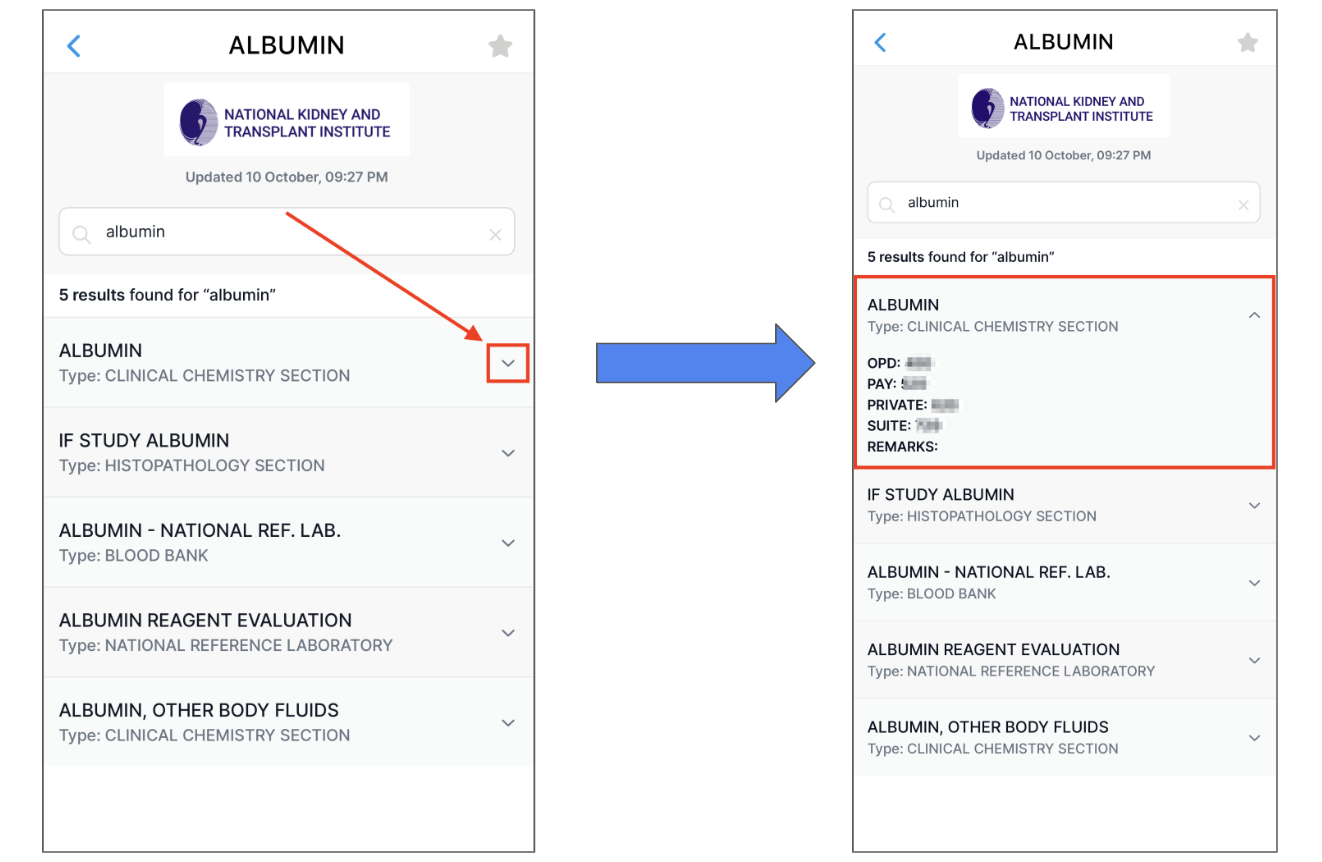
3. Your search terms will be pre-filled within the formulary. Tap on the arrow down or the name of the lab test result to view more information.
⚡️Pro Tip
Bot MD allows you to save your favorite drugs to your Favorites List. Click Here to learn how.
Changing search item within the formulary
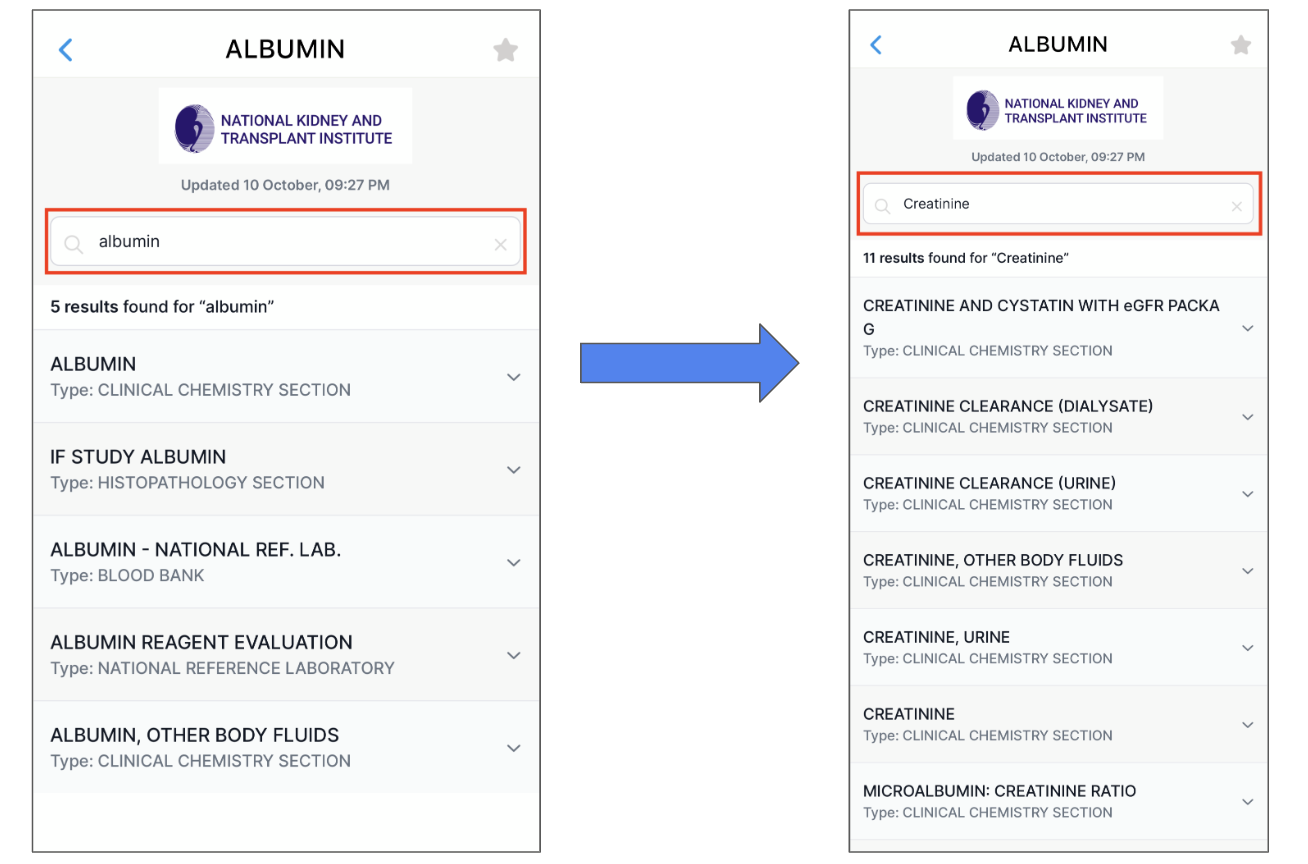
- In the search bar of the formulary, type the new drug name into the search bar to view the new search results.
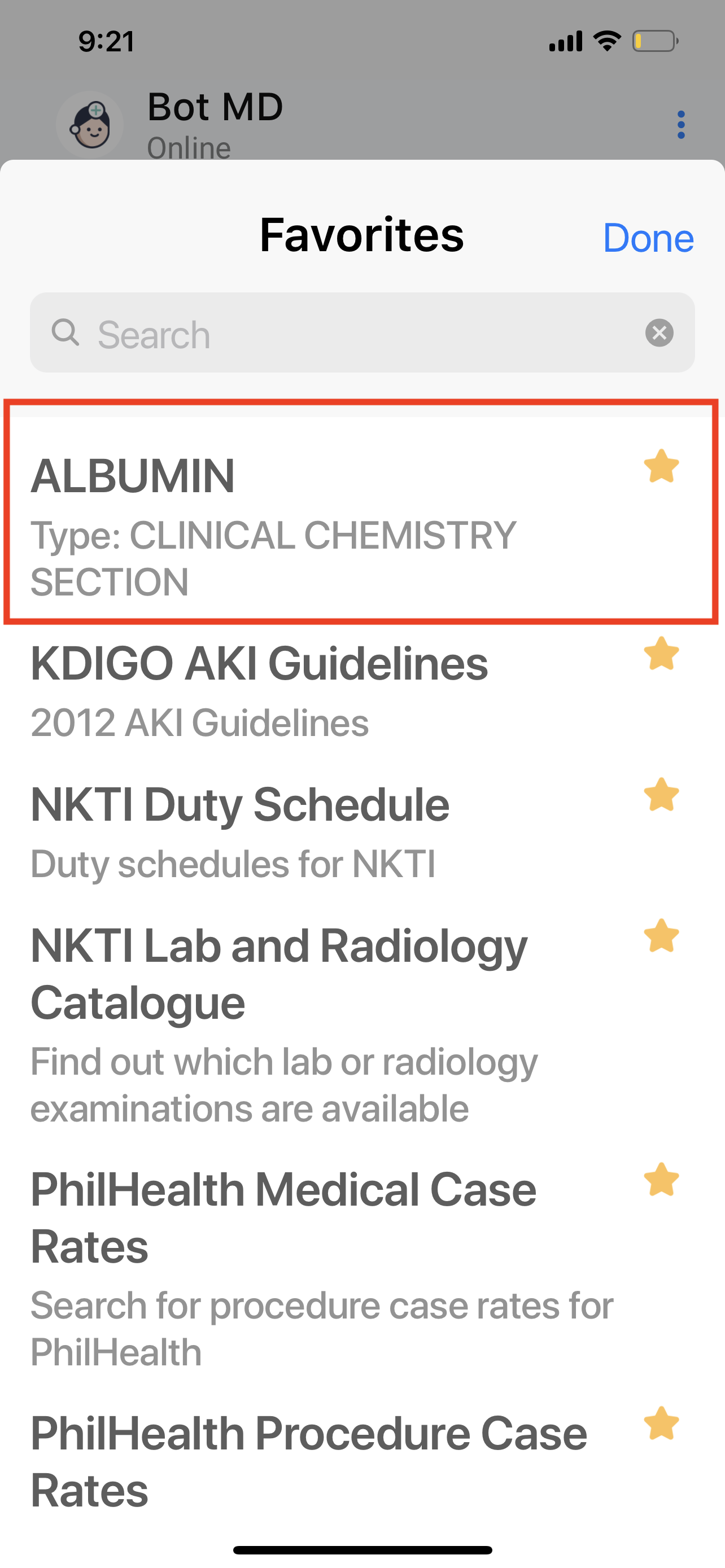
Adding Lab Tests to Favorites list
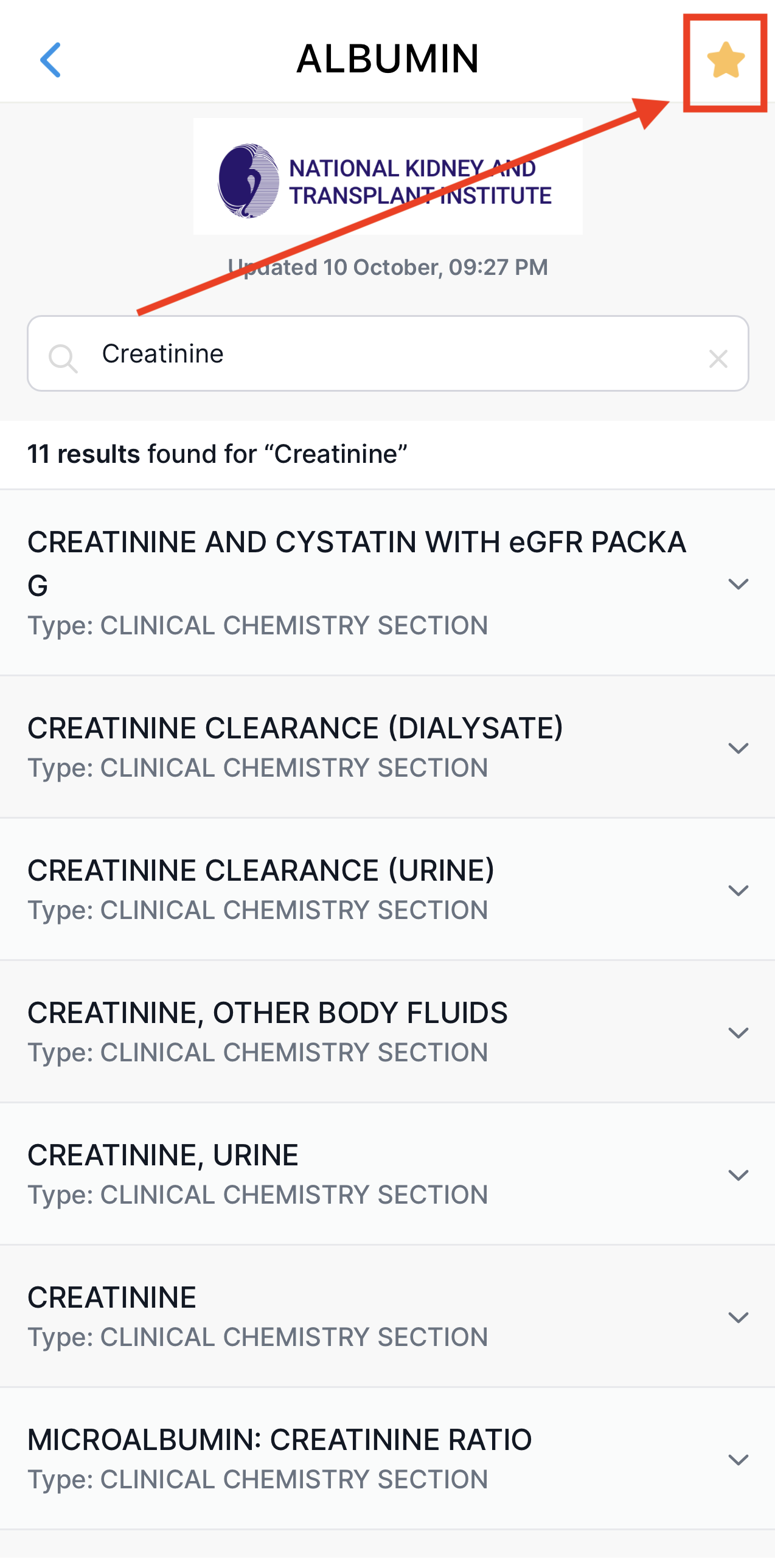
- Tap the star on the upper right of the screen to add a searched lab test into the Favorites list.
- You can access the favorites list using the star icon below the message section of the app.

- Your lab test will be listed on the favorites list and can now be accessed easily by tapping on it.