Introduction
Search for hospital guidelines
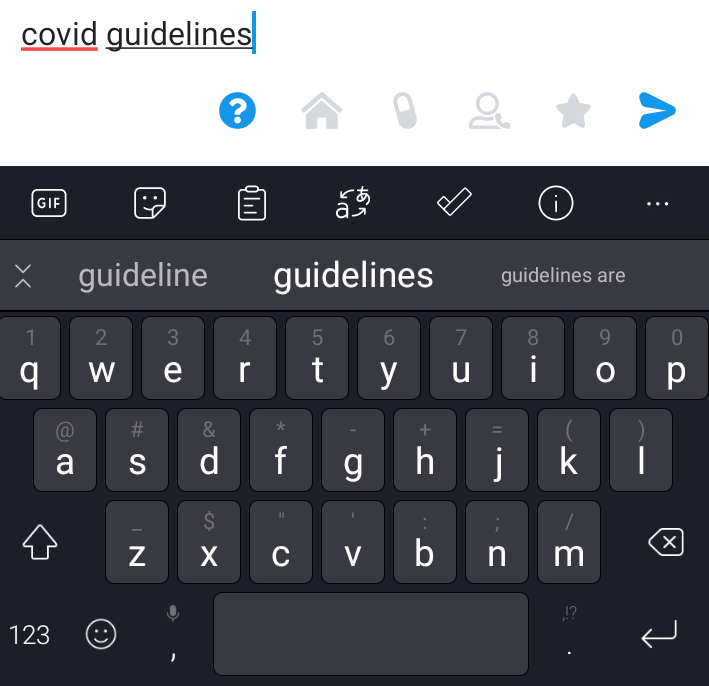
1. Type topic of interest + "guidelines" (or "protocol", "p&p", "guide") and press send.
- For example, "covid guidelines", "chest pain guidelines", "dka guidelines"
2. Bot MD will return a carousel of documents that match your search terms.
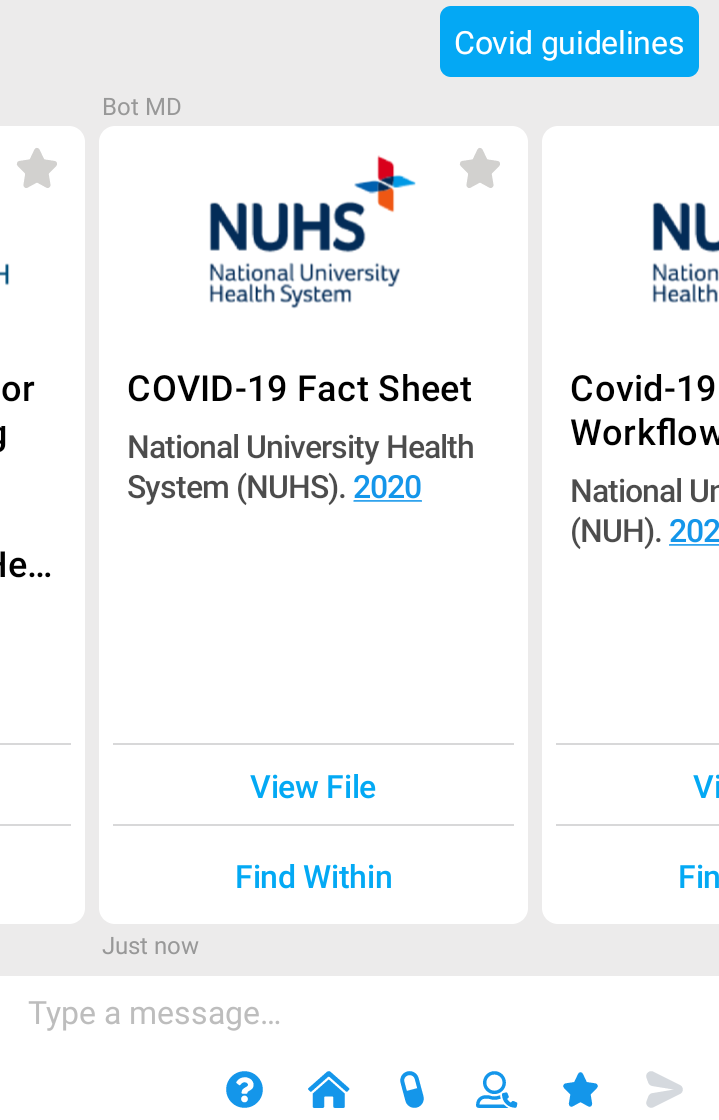
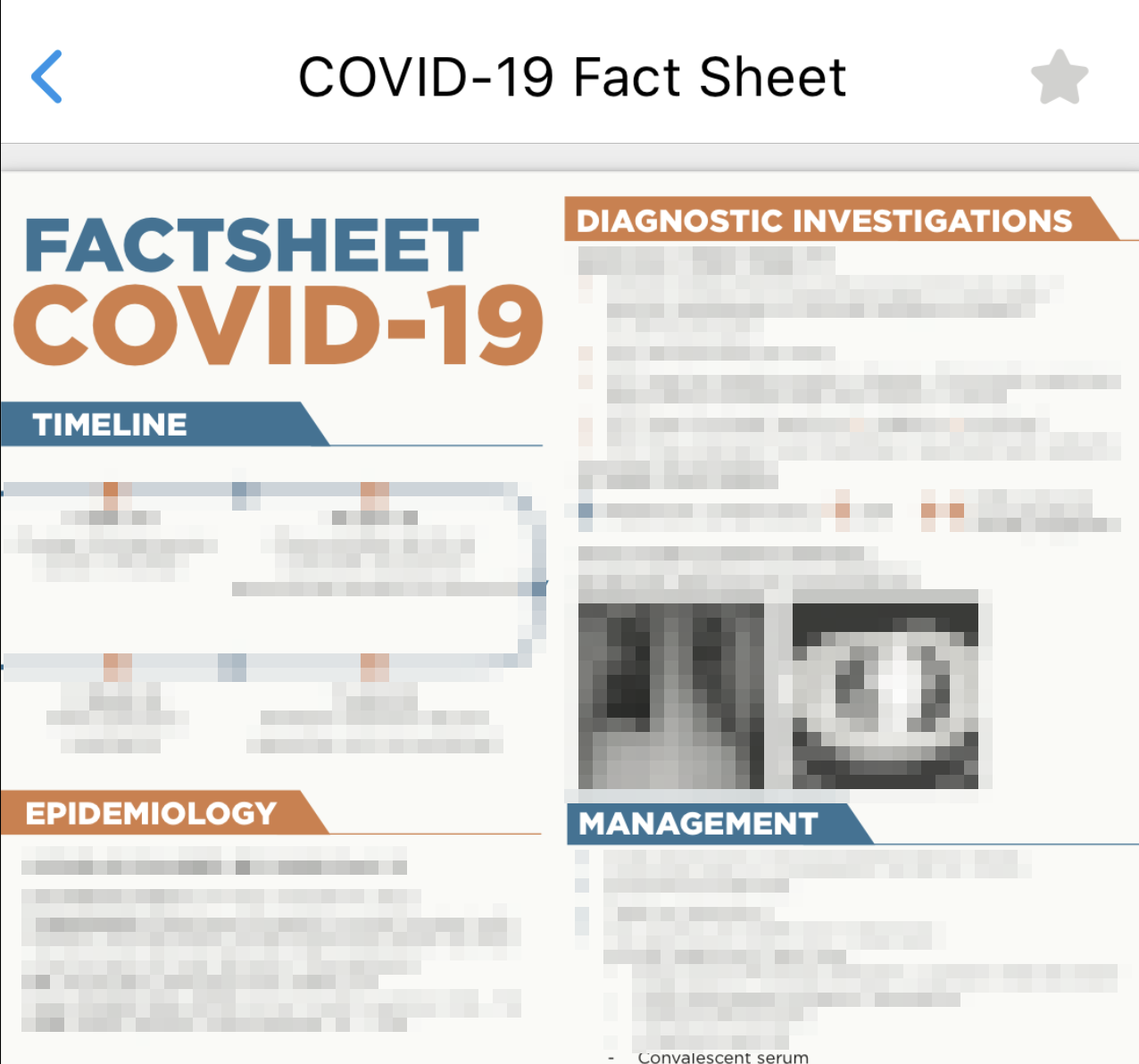
3. Tap on "View File" to view the full document.
4. Tap "Find within" for a "Ctrl + F" function that allows you to quickly search for keywords within longer documents.
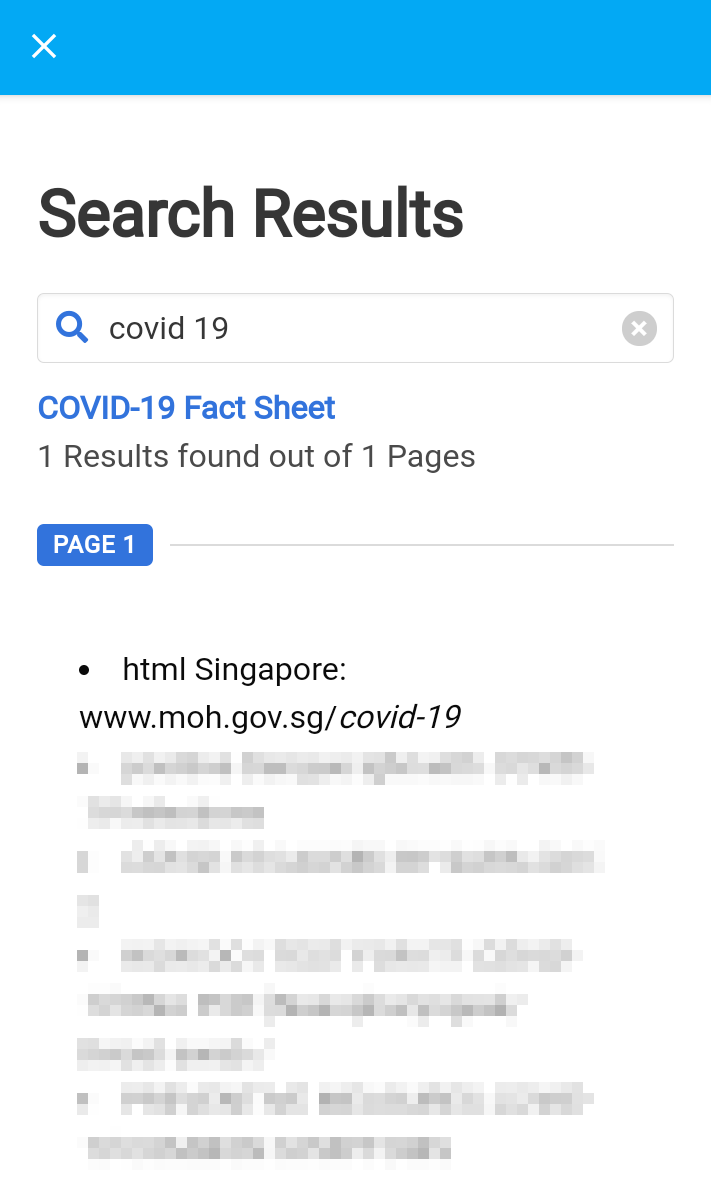
5. Tap on the result excerpt to jump straight to the specific page.
⚡️Pro Tip
Bot MD allows you to save your favorite drugs to your Favorites List. Click here to learn how
Change search keywords within the file
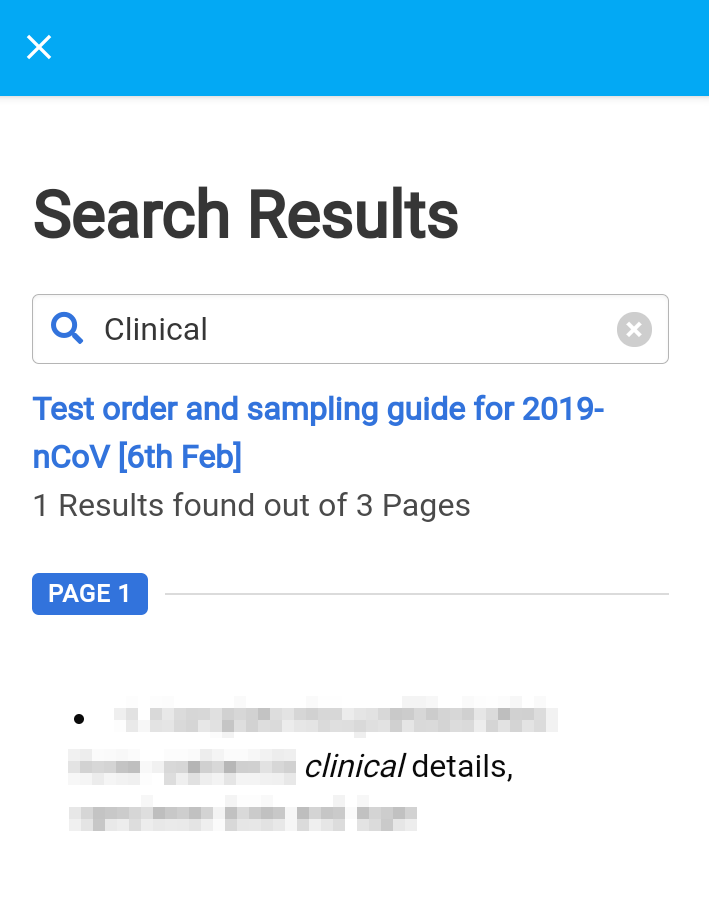
1. Change your search terms by typing new keywords into the search bar. Press "Enter" to search.
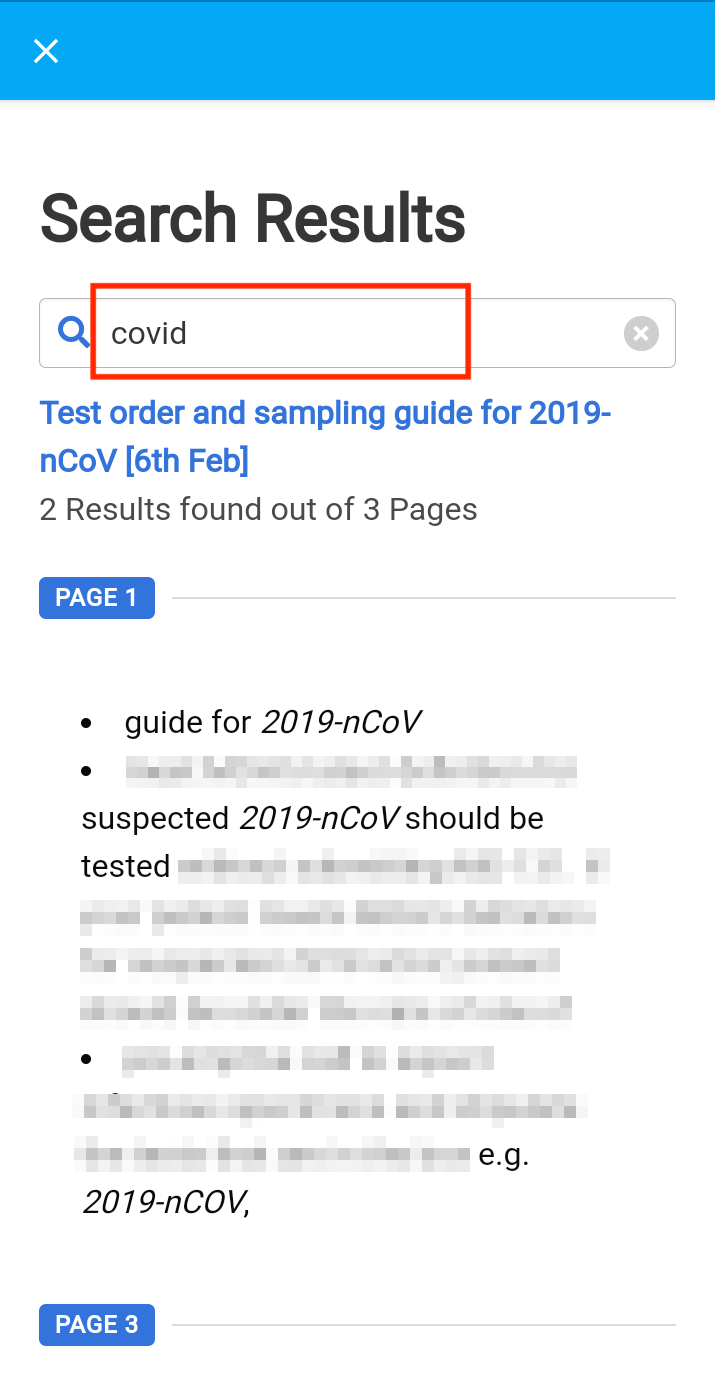
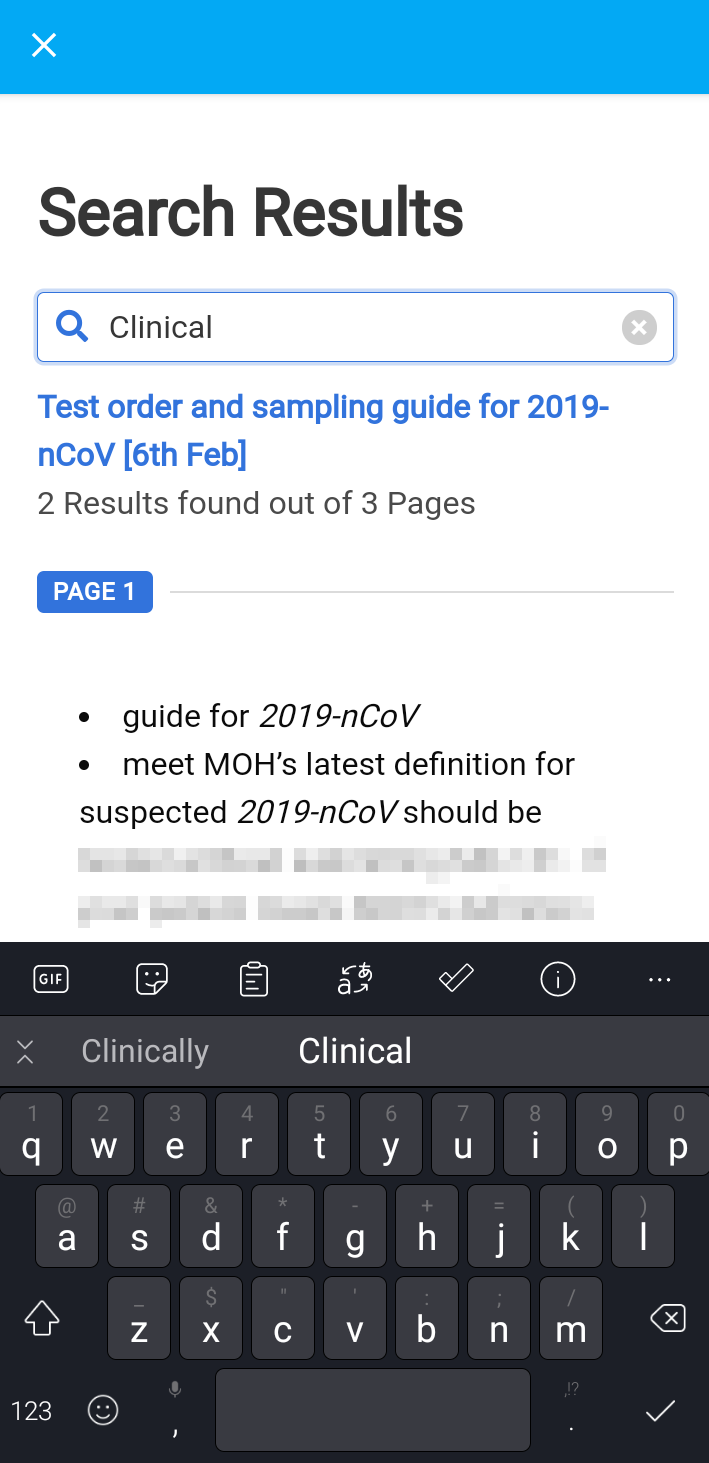 2. Pages containing the new search keyword will be presented in the search results.
Add to Favorites List
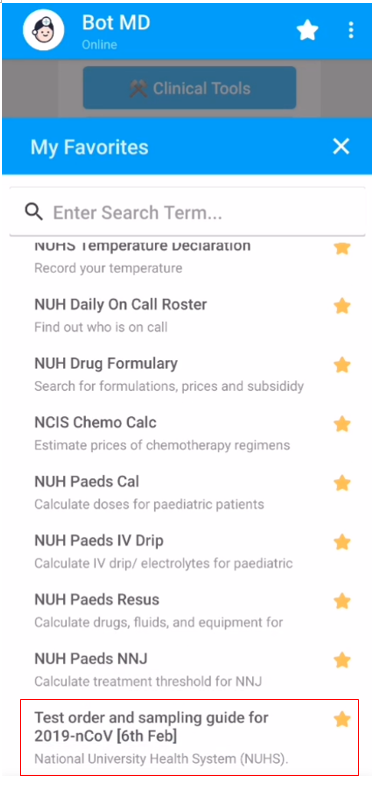
You can quickly access your favorite guidelines by " starring" them.
1. Tap on the star icon on the top right corner of the carousel. 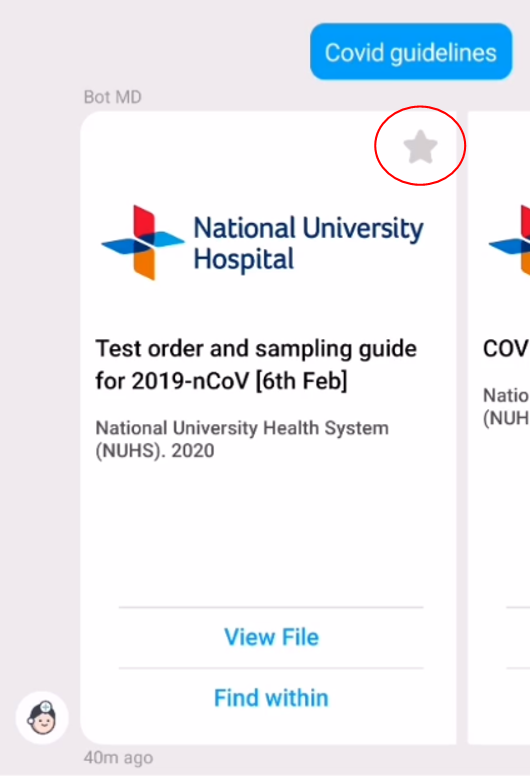
2. The star will turn yellow when added to your Favorites list.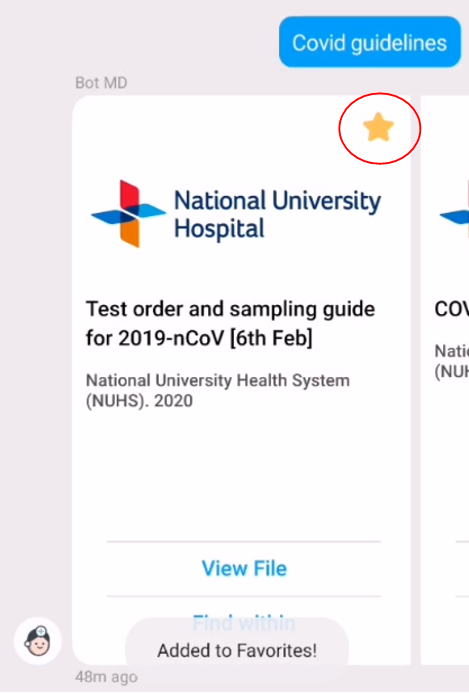 3. You can access the Favorites using the star icon below the message section of the app.

4. The item that you added will appear in the Favorites list. Items are ordered alphabetically.