This section will detail how to edit details on your patient's profile.
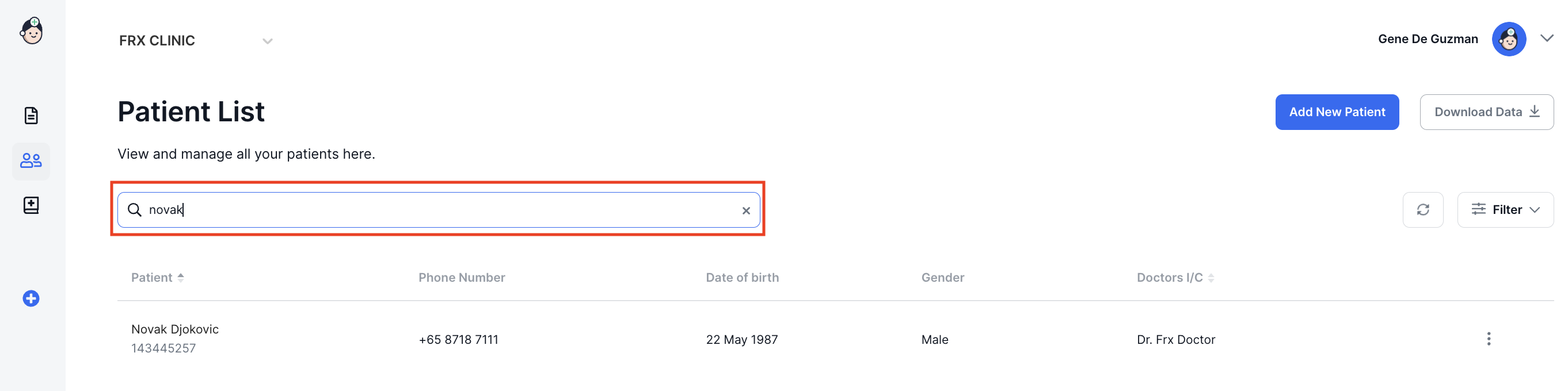
- In Patient List, search for your patient by typing her/his name or number in the search field.
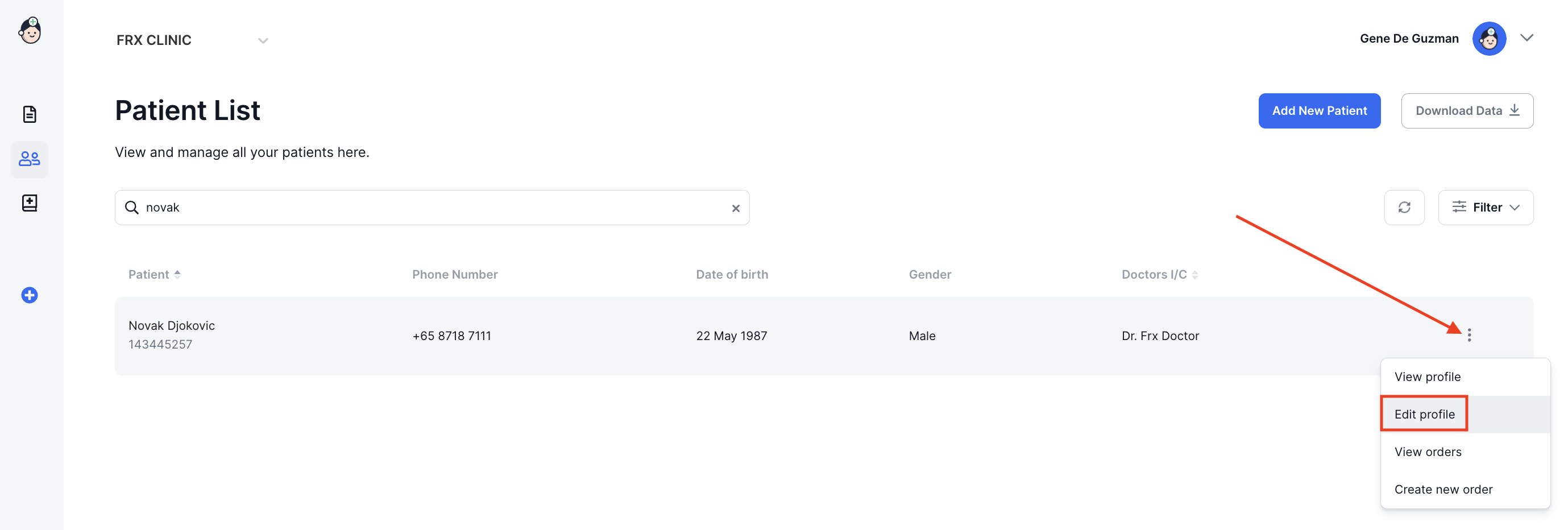
- Click the action menu on the right and select Edit profile.
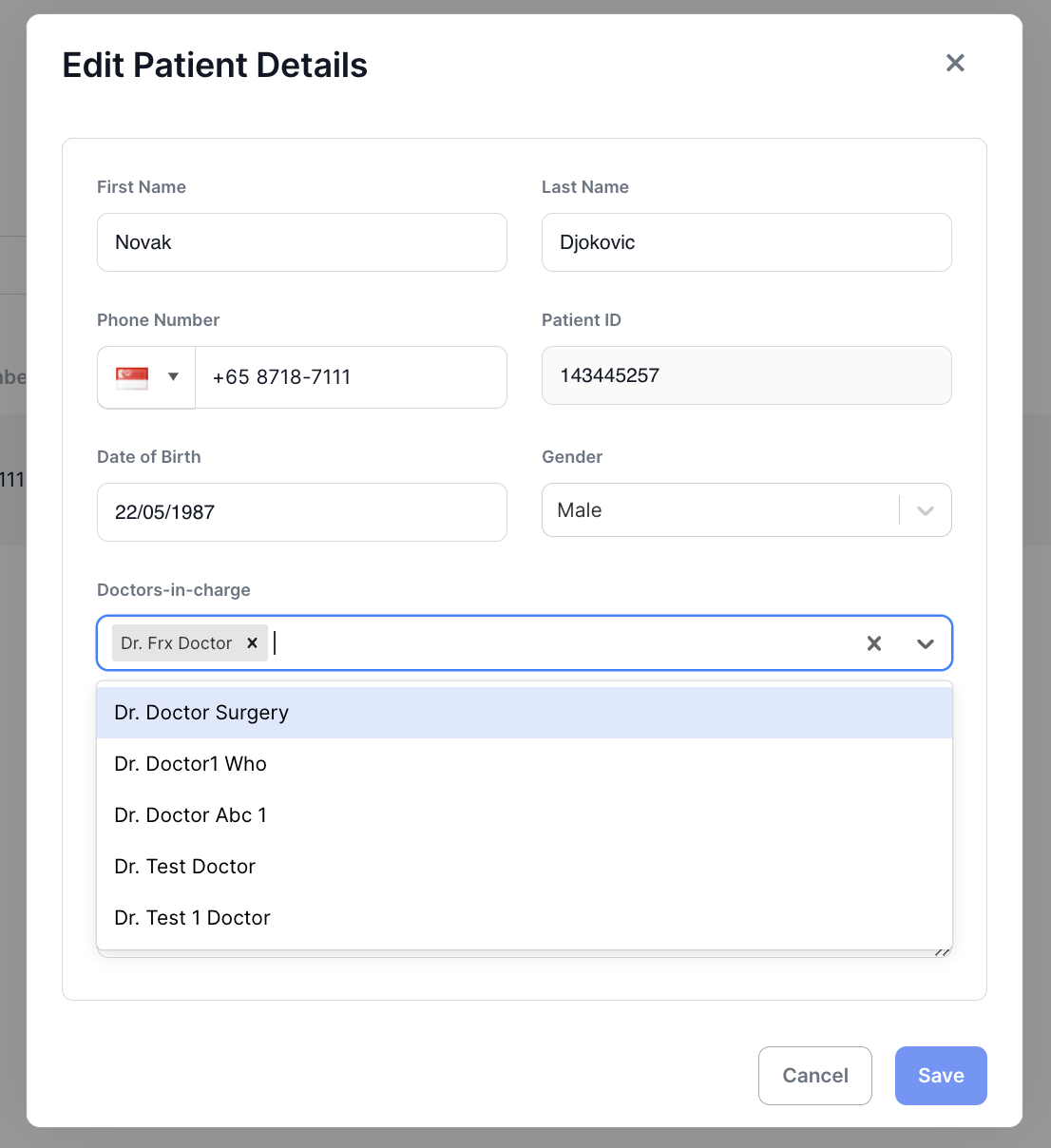
- Make the changes in the appropriate field(s).
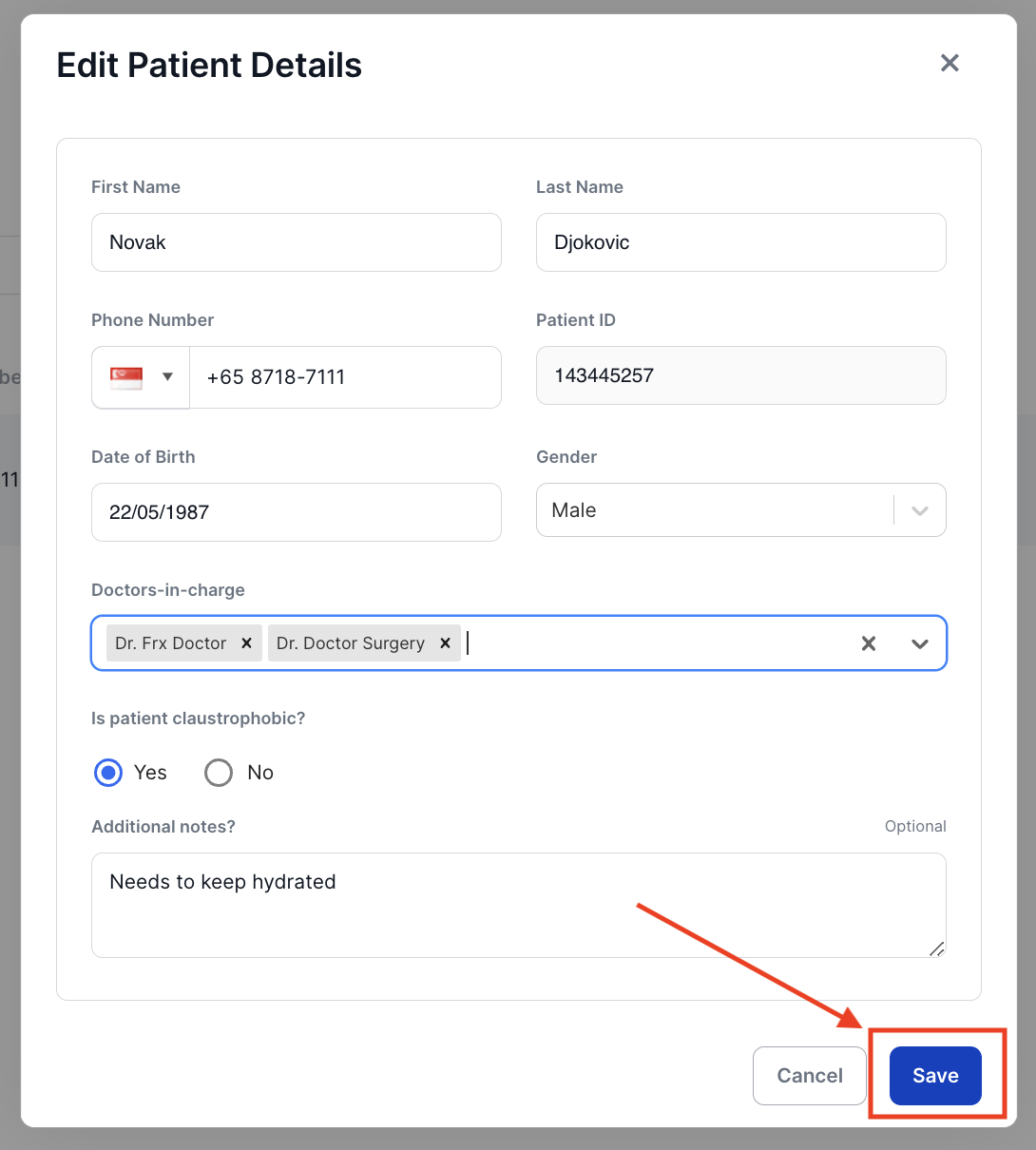
- Click on Save to save your changes.