The Patient List is a list of patients currently enrolled into the Parkway Radiology x Bot MD booking platform.
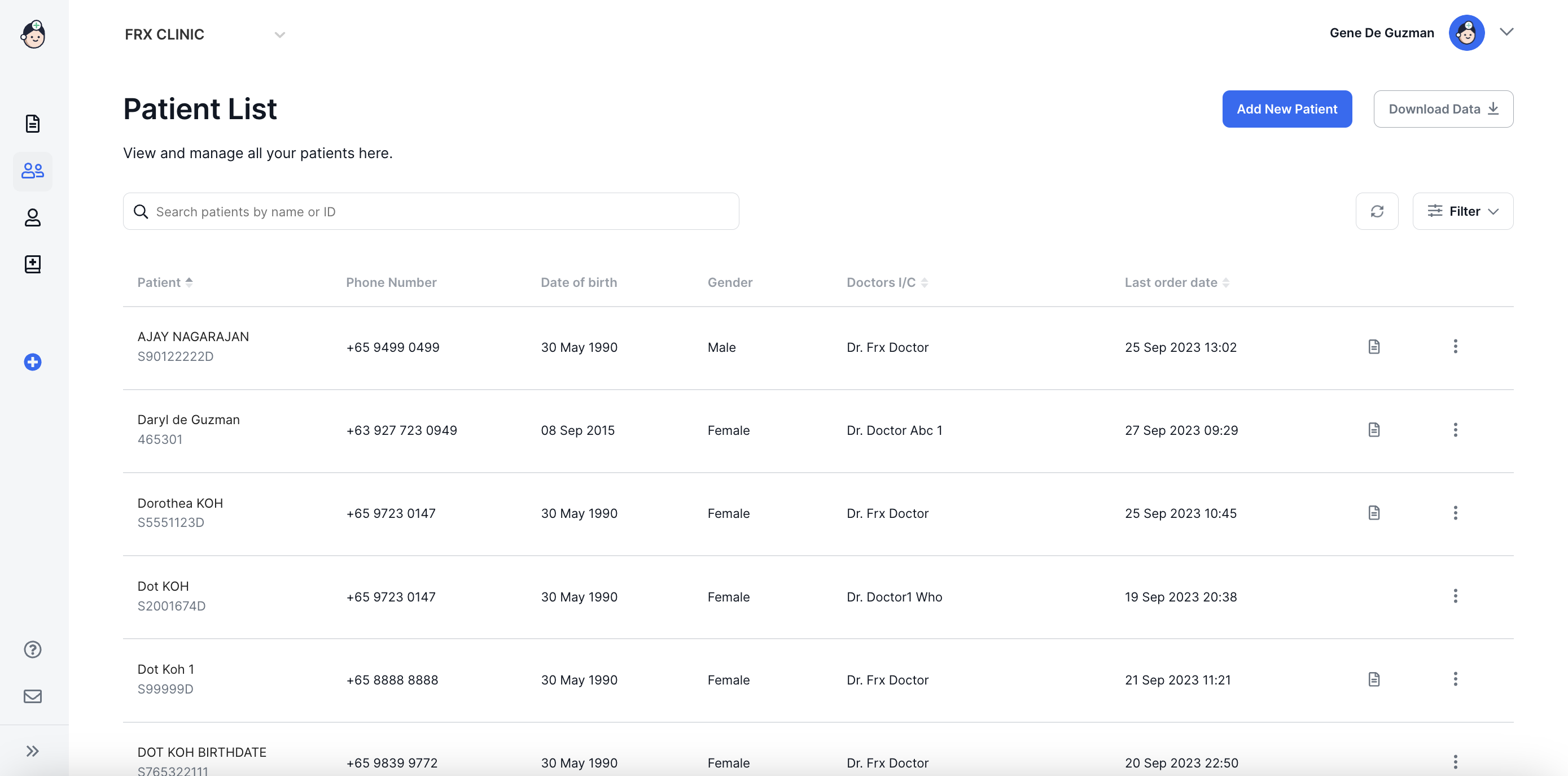
Patient - The name of the Patient with a booking. The patients are arranged alphabetically on the table.
Phone Number - The patient's registered WhatsApp number.
Date of birth - The patient's date of birth.
Gender - The patient's gender
Doctors I/C - The name of the doctor who created the booking order for the patient.
Last order date - The date of the patient's most recent booking order.
(Note: the Patient, Doctors I/C, and Last order date columns may be sorted or filtered as needed. For more information please see the section on Sorting and Filtering Lists).
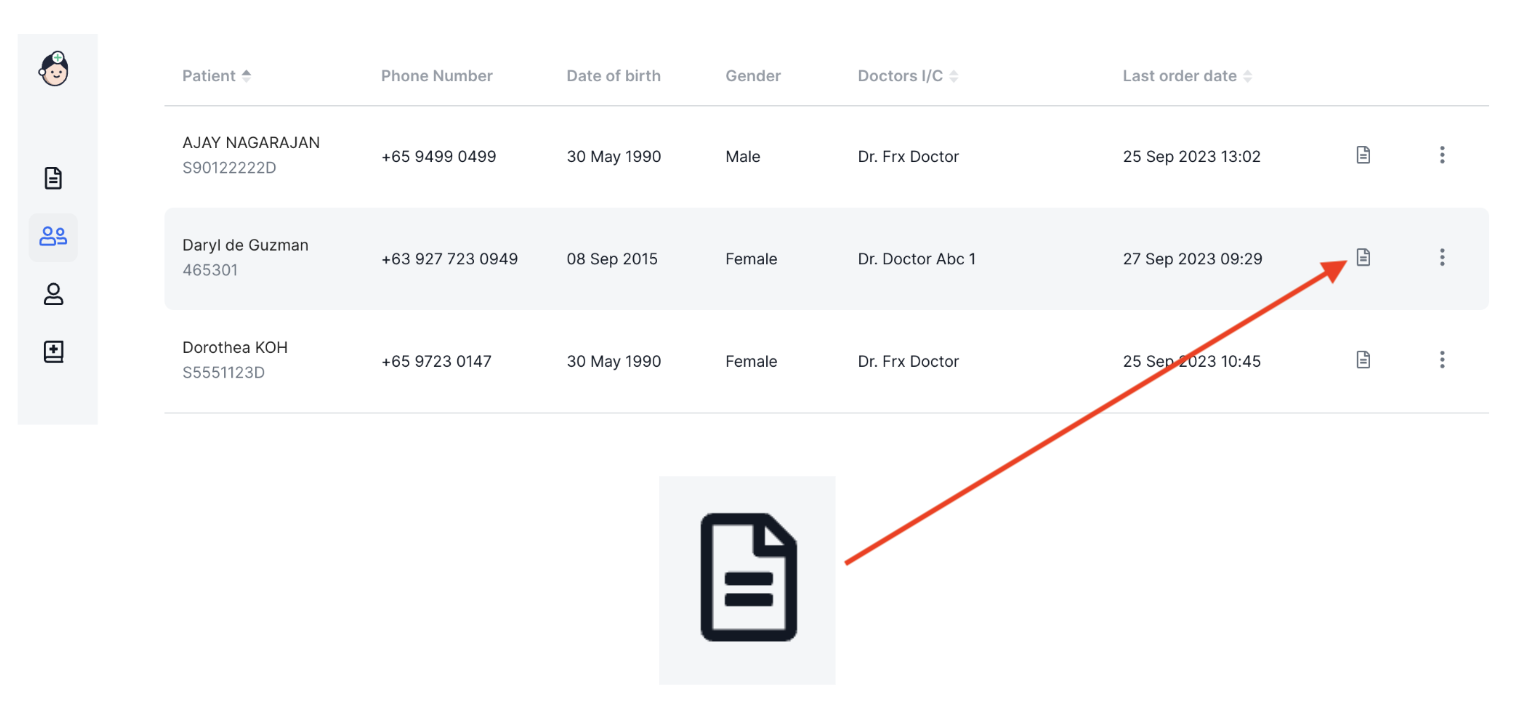
Booking order form - The electronic copy of the patient's booking order form. This is denoted by the document icon:
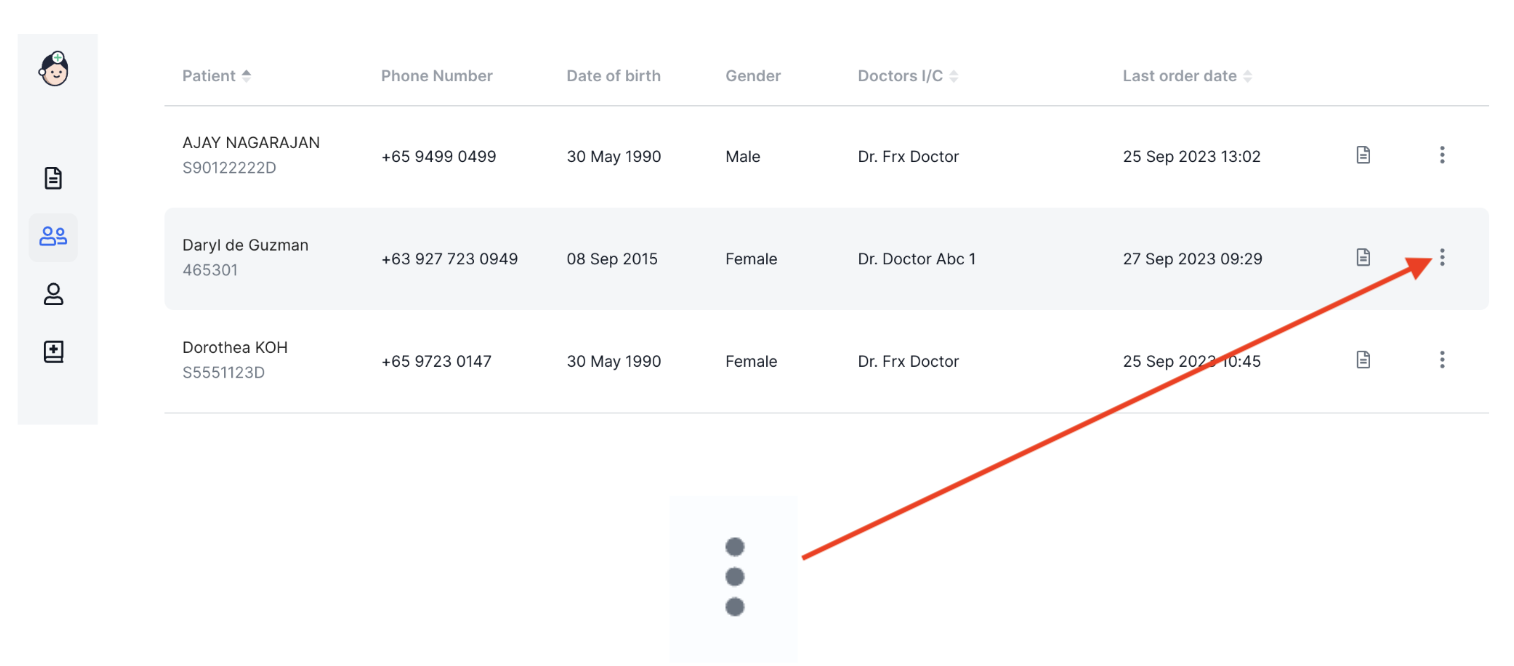
Actions Menu
The Actions Menu is located on the right side of the Order Details row, just beside the Radiology Order Icon:
Clicking on More Actions brings up the following options:
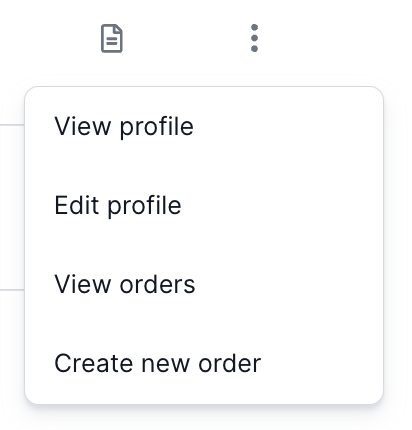
Edit profile - Click to make changes to your patient's details.
View orders - Click to see a list of exam bookings in the patient's profile.
Create new order - Click to start a new booking order.
⚡️Tip
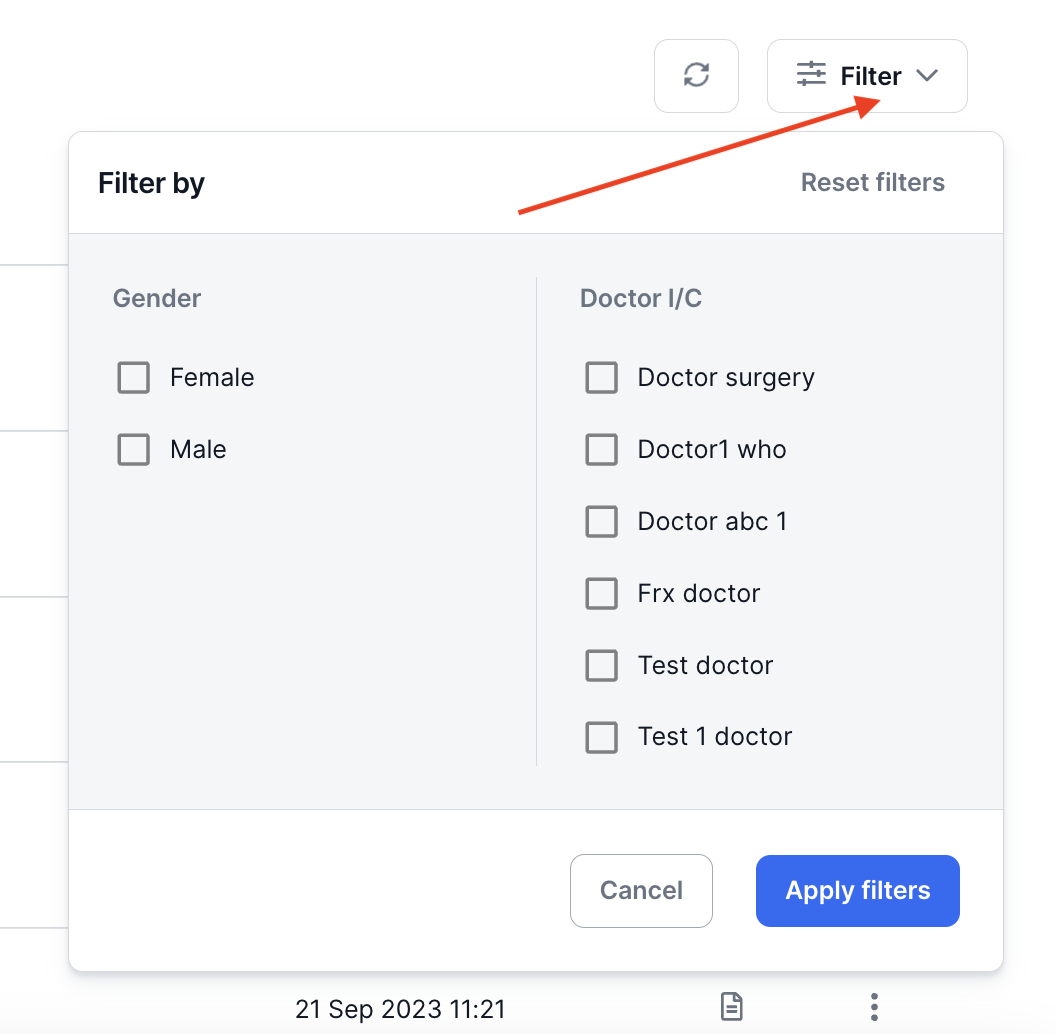
You can use filters to change the list of patients displayed by Gender and Doctor I/C.