Introduction
Bot MD allows you to search UpToDate easily from within the application. You can search for any clinical topic and even use medical acronyms and Bot MD will pre-fill the search for you.
If your institution already has an active license to UpToDate, you do not need to log into UpToDate while connected to institution WiFi. You can also access UpToDate at home.
How to Search
-
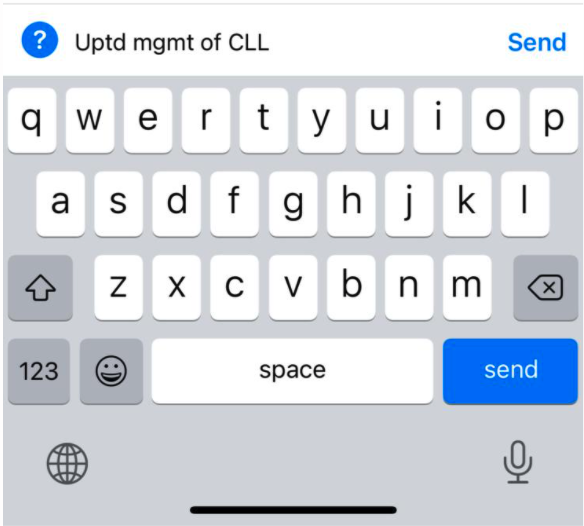
Type "utd" or "uptd" followed by your clinical topic and press send.
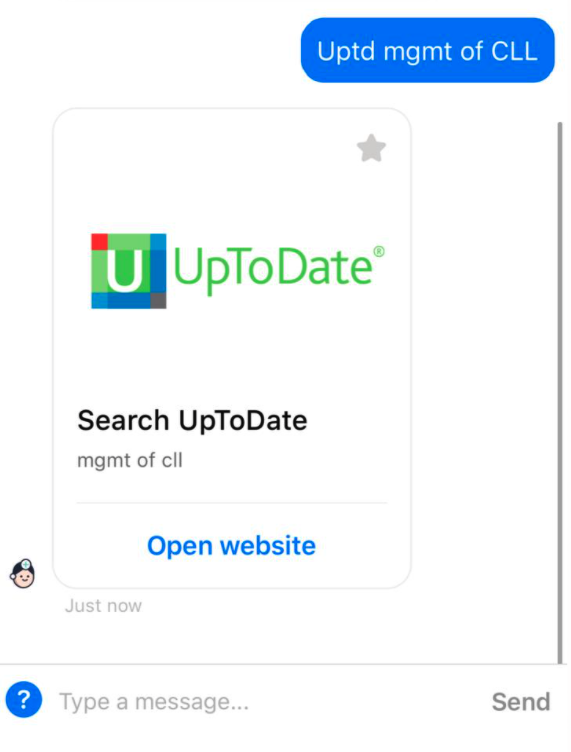
- Bot MD will return an UpToDate carousel with your search query.
-
Tap Open website to view UpToDate articles relevant to your query. Your search will be pre-filled within the search bar.
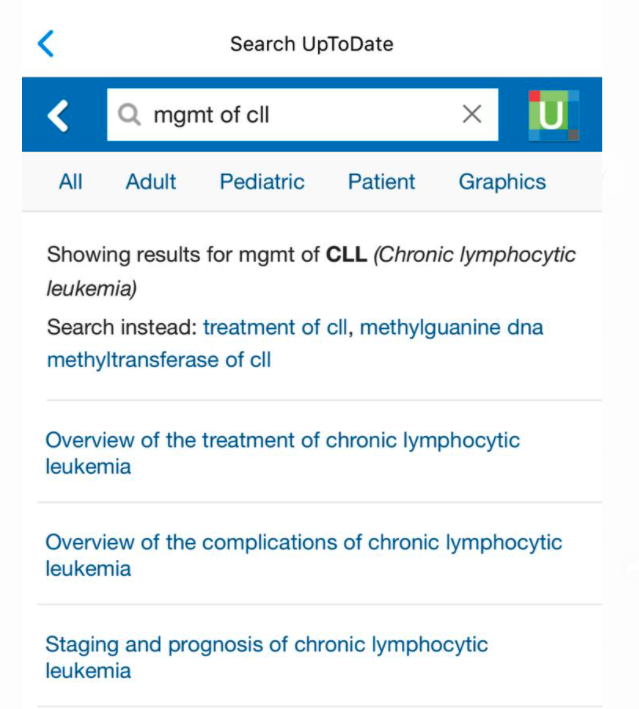
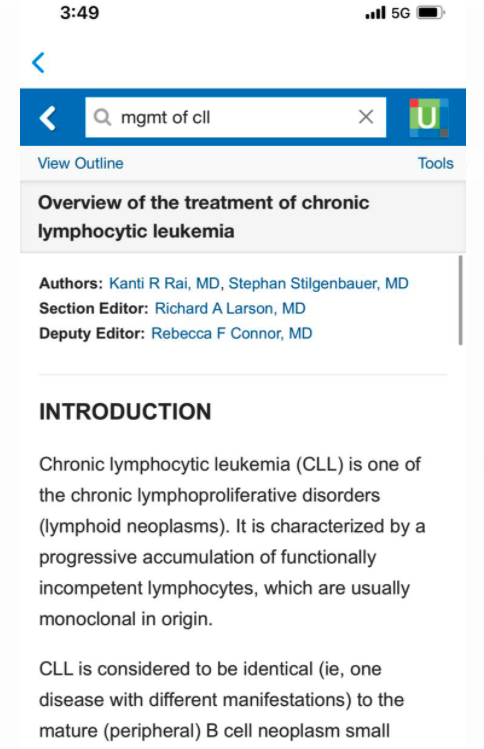
- Tap any of the result links to view articles.
For help logging into UpToDate, please see this article.