Accessing UpToDate within your institution
If your institution has an active UpToDate license, you can access UpToDate from Bot MD without having to login. You will need to be connected to your institution WiFi.
Accessing UpToDate from home
To access UpToDate from Bot MD at home, you will need to create an UpToDate account while you are connected to your institution WiFi.
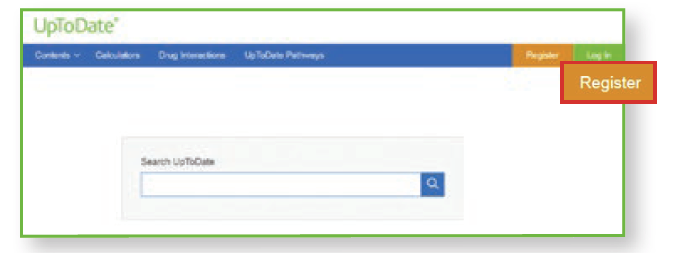
- Go to www.uptodate.com while connected to your Institution WiFi.
- Click Register.
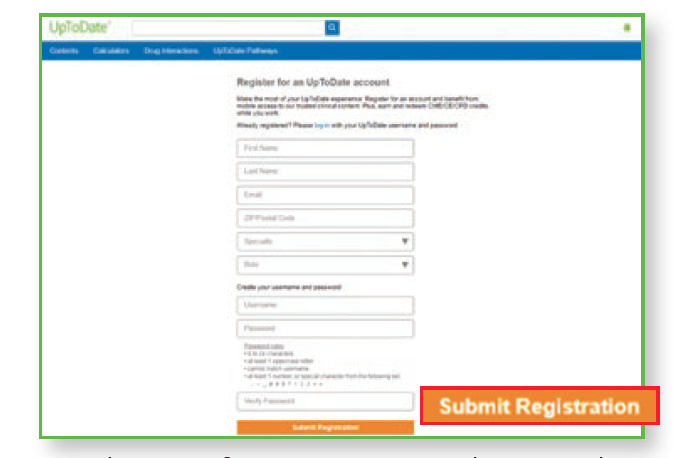
- Fill out the registration form and click Submit Registration. Do take note of your UpToDate username and password.
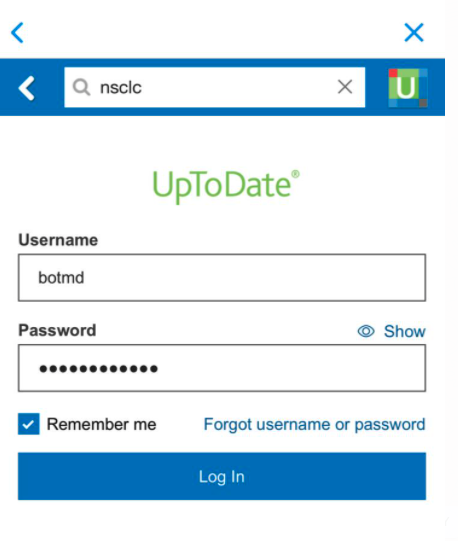
- When you are at home, you will need to enter your username and password when prompted.
- Pro Tip: Tap "Remember Me" so that your username and password will be filled in automatically the next time you log in.