Introduction
Note: AHFS DI Essentials is a FDA licensed drug database so it does not contain information about drugs that are not approved in the U.S. For example, the Bot will not be able to search for Arcoxia as this drug is not currently approved for use by the FDA.
⚡️Pro Tip
Bot MD understands generic and brand drug names as well as medical acronyms for common indications.
For example, "dose of losec for GERD" will return the same result as "dose of omeprazole for GERD".
Search drug dosage information
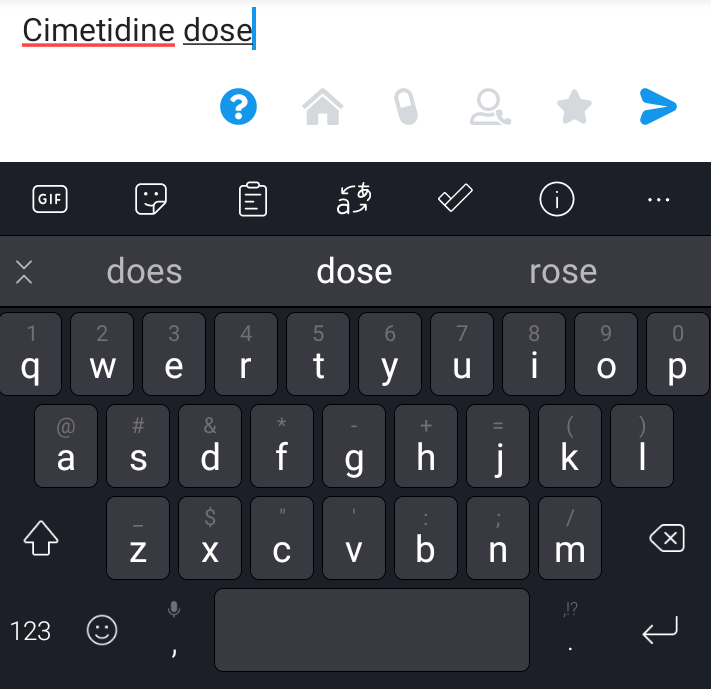
1. Type " drug name" followed by "dose" to search drug dosages.
- For example, type "cimetidine dose" and press send.
- Note: Variation of "dose" would work too (e.g. dosage, dosing)
- Indicate relevant indications to get direct indication-specific dosages. For example, "dose of itraconazole for aspergillosis" or "dose of losec GERD"
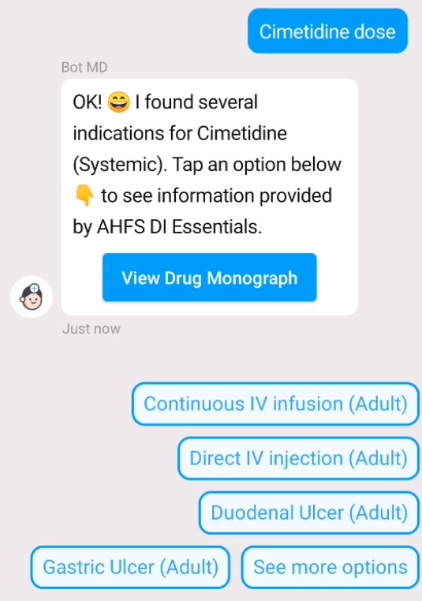
2. If the drug has multiple indications and no indication was specified in your query, tap on the indication you are interested in.
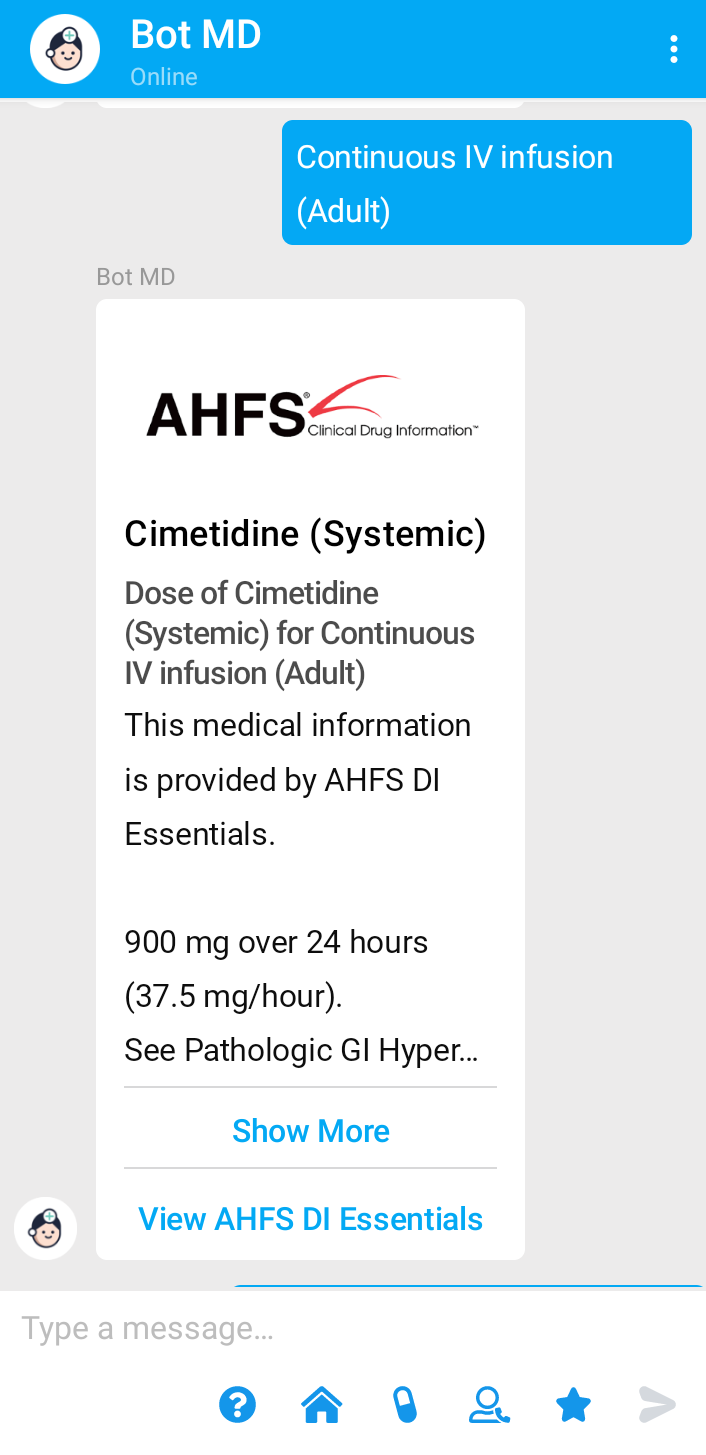
4. Tap on " Show more" to view the information.
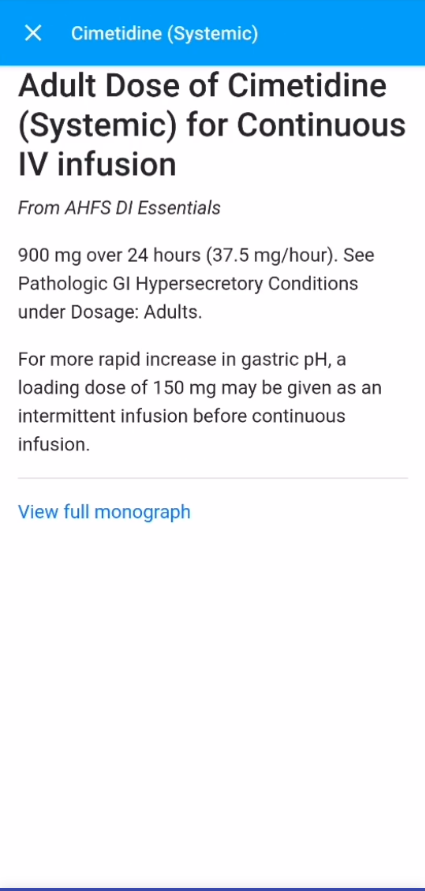
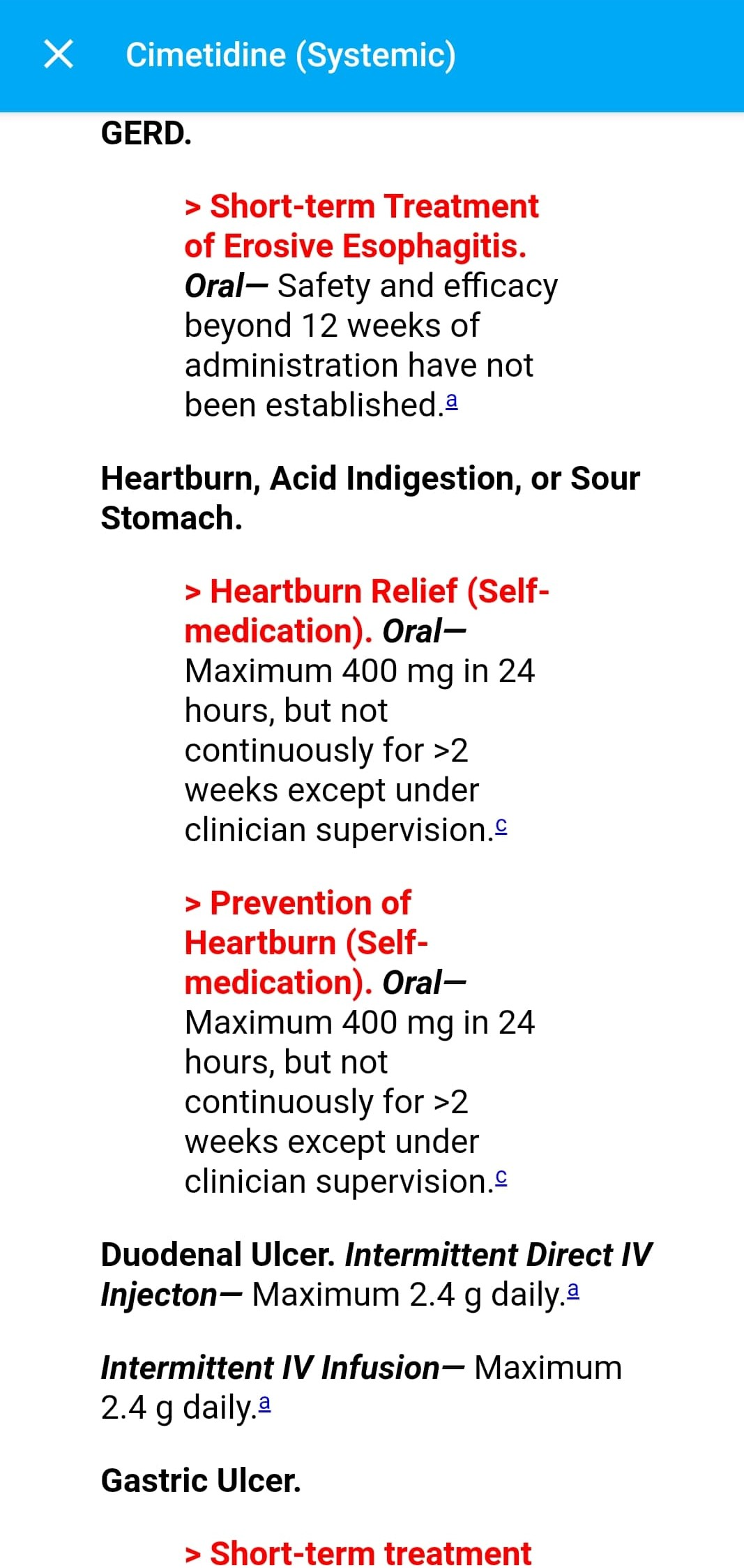
5. Tap "View full monograph" at the bottom with blue fonts to view full monograph from AHFS DI Essentials.
⚡️Pro Tip
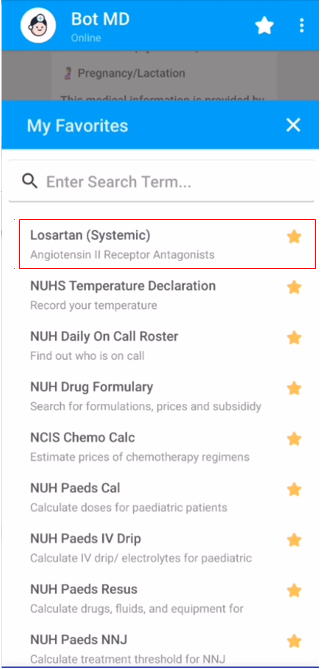
Bot MD allows you to save your favorite drugs to your Favorites List. Click here to learn how.
Search drug side effects
1. Type drug name + "side effects"
- For example "cimetidine side effects" or “cimetidine adverse effects", and press send.
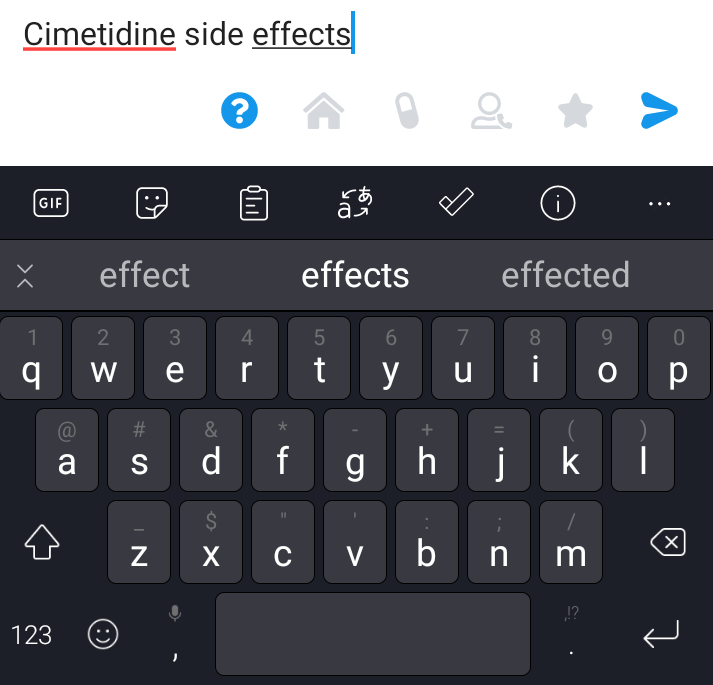
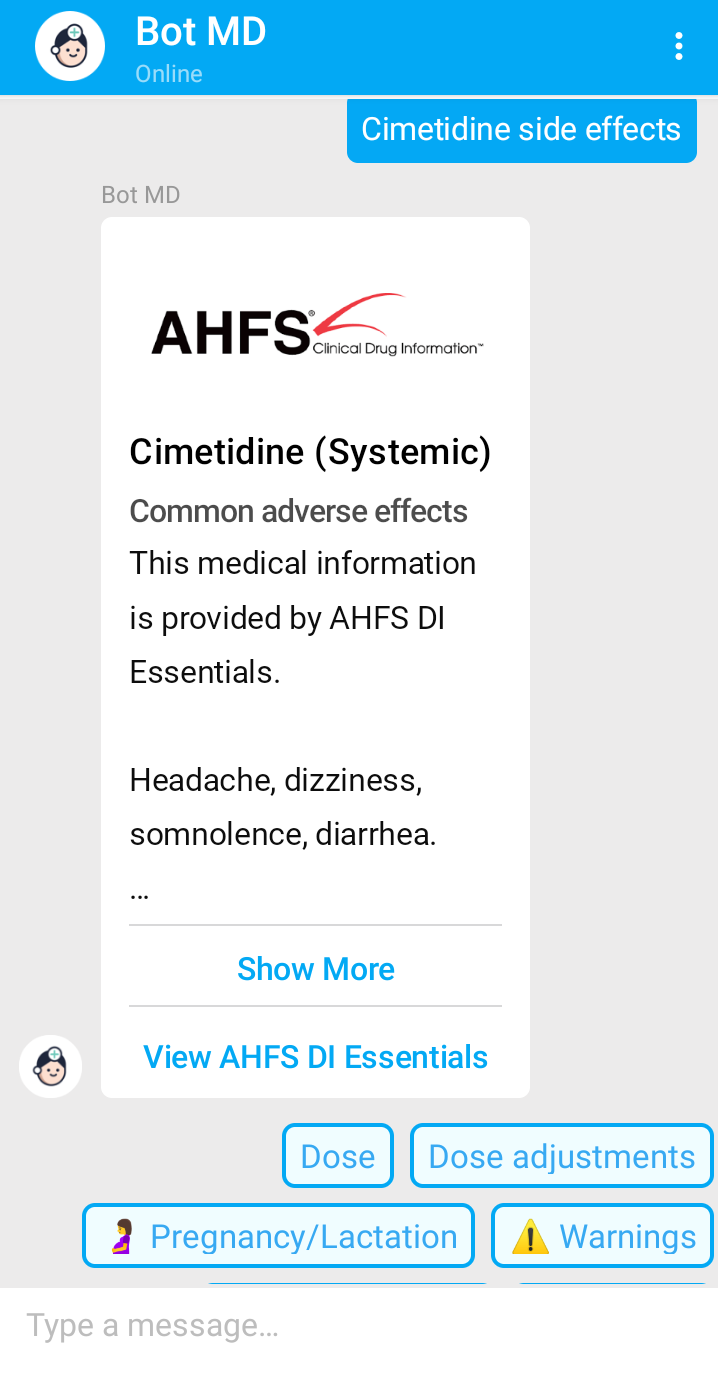
3. Tap on "Show more" button to view the information.
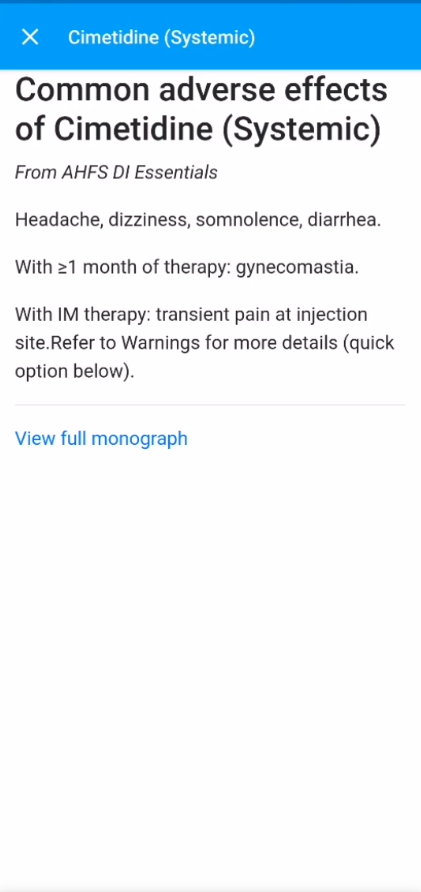
4. Tap " View full monograph" at the bottom with blue fonts to view the full monograph from AHFS DI Essentials.
5. You can also tap on " View AHFS DI Essentials" button from the main chat screen to view the same page.
Additional Drug information
1. Bot MD helps you to search for other drug information such as:
- Dose adjustments
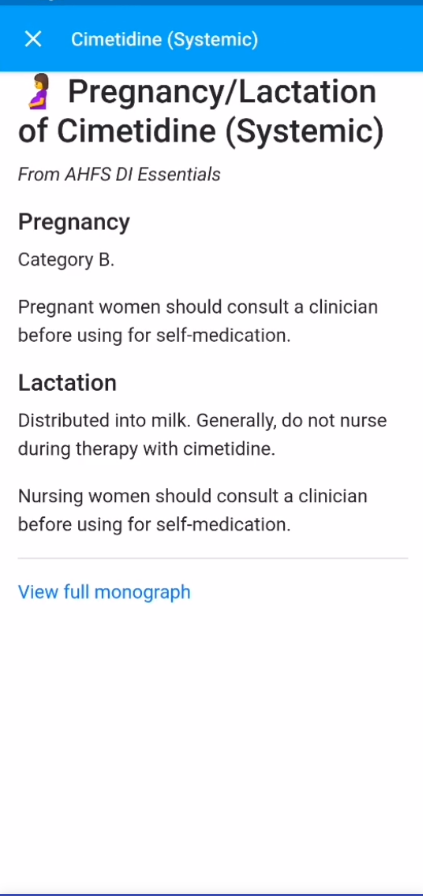
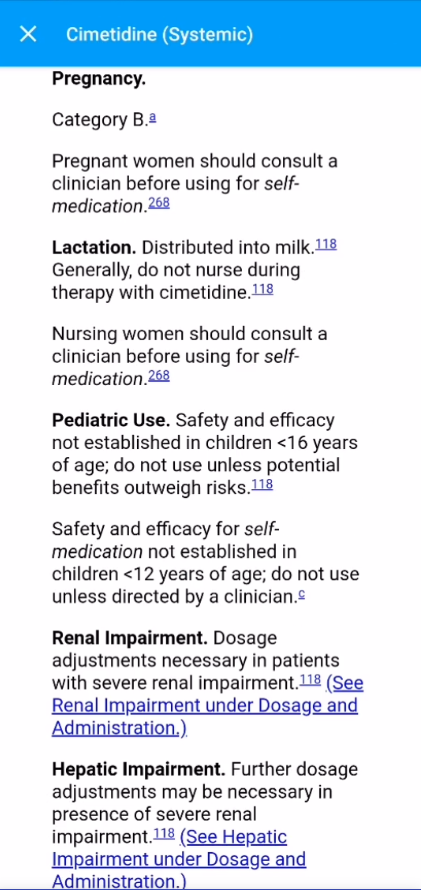
- Pregnancy/lactation information
- Drug warnings contraindications. For example, type "cimetidine" and press send.
2. Type drug name + "side effects" or "adverse effects".
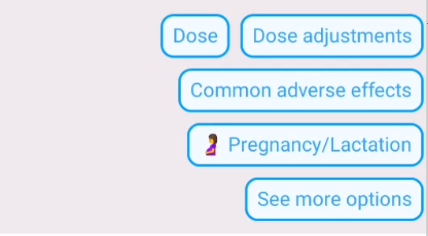
4. Alternatively, you can type a query specifying the information you require.
- For example: "cimetidine in pregnancy" or "contraindications to cimetidine"
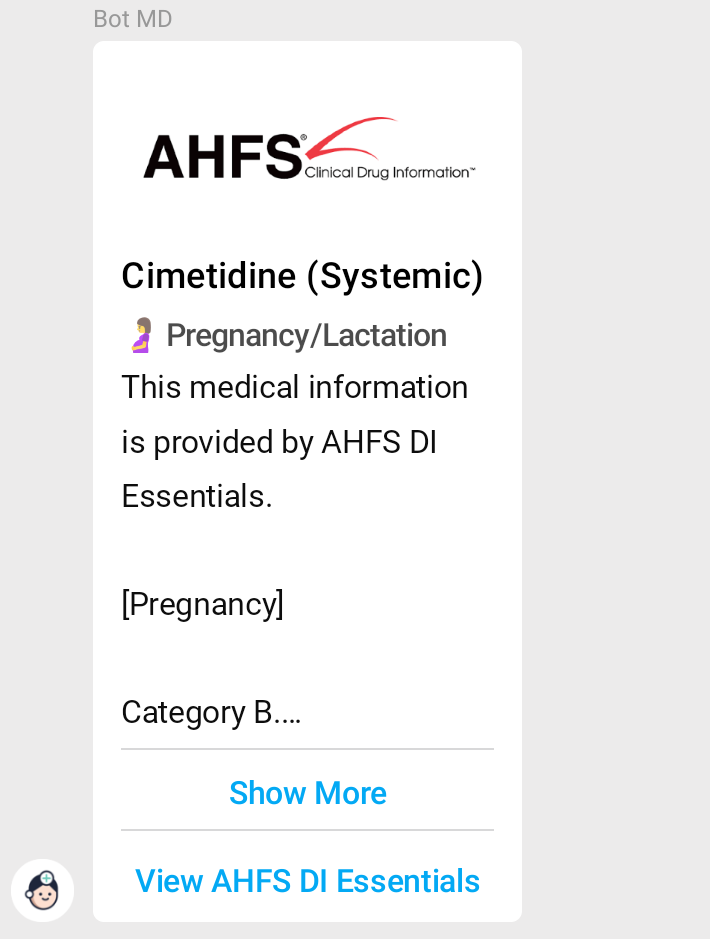
6. Tap on " Show more" to view expanded details and "View AHFS DI Essentials" to be led to the specific section in the full drug monograph.
Search brand and generic drug names
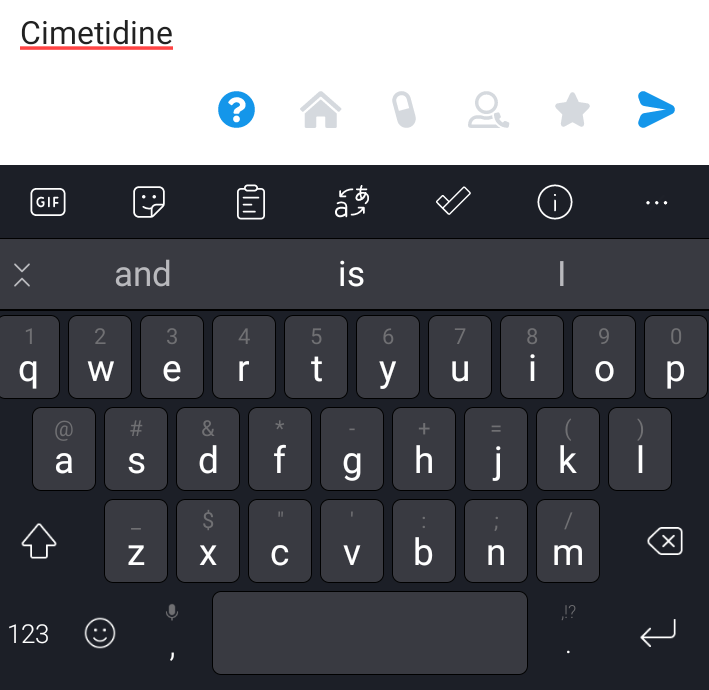
1. Type the drug name you want to search
- For example, "cimetidine" and press send.
-
Can search with drug's generic name or common brand name
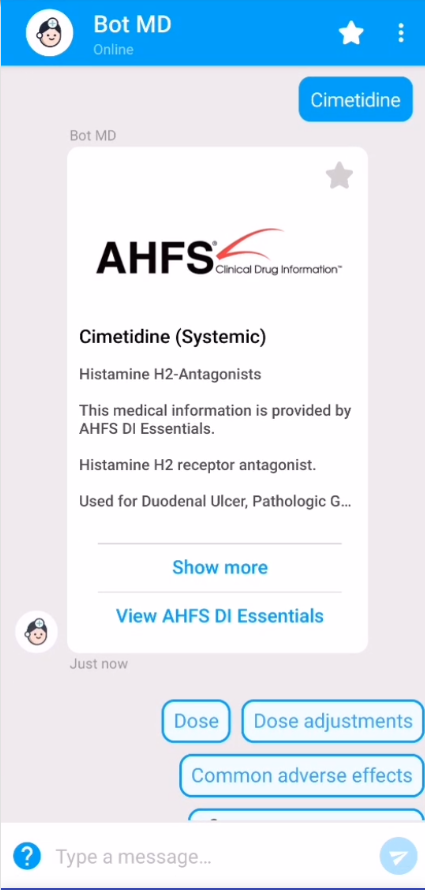
2. Bot MD will return a response from AHFS DI Essentials about th drug you searched.
- Take note: If the drug you searched exists in your Hospital's Pharmacy, Bot will offer you quick options to select from.
-
At the bottom of the screen, you will see quick options to select which aspect of the drug you would like to view (e.g. Dose, Common adverse effects etc.). Select a quick option at this point to receive more targeted information.
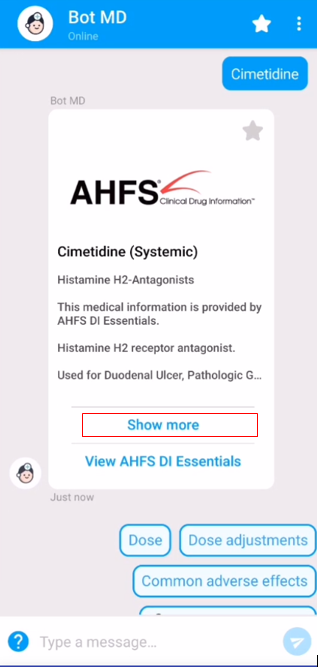
3. Tap " Show more" will display a brief description of the drug.
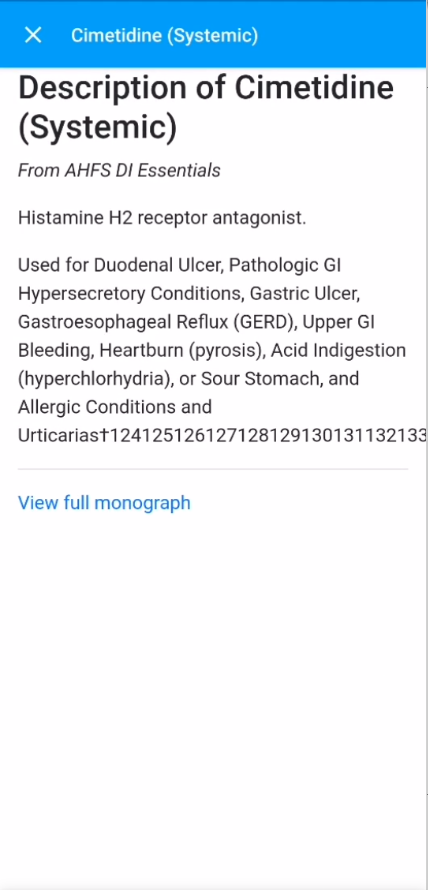
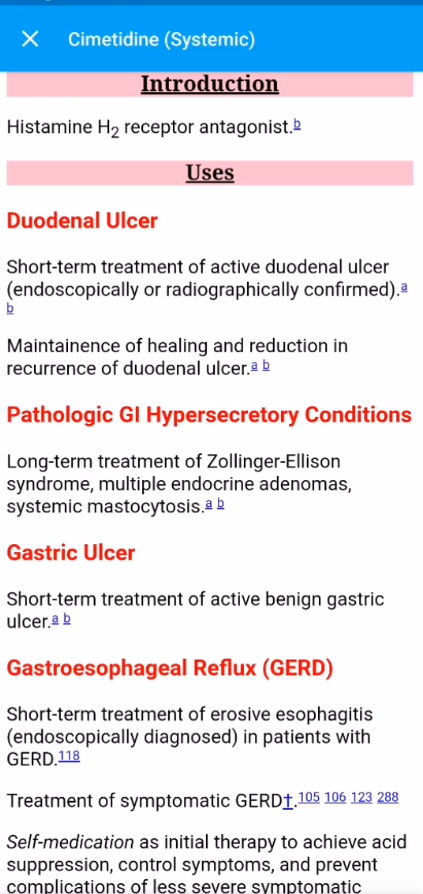
5. You can also tap on " View AHFS DI Essentials" button from the main chat screen to view the same page.
Add to Favorites
1. You can favorite drug information by tapping the star icon on the top right corner of the carousel.
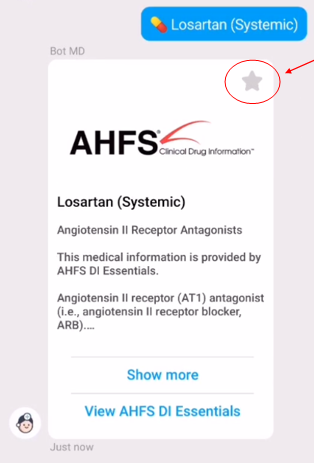
2. The star will turn yellow when added to your Favorites list.
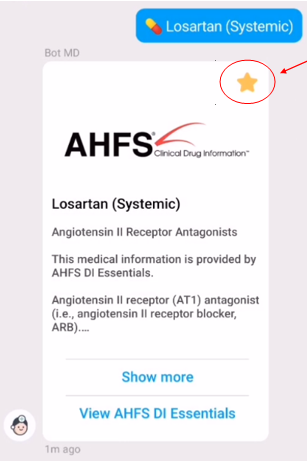

4. Your newly favorited item will appear in the Favorites list.