Prefer to see the instructions in a Video?
1. Using your web browser, go to https://parkway.botmd.com/onboarding/login to access the Parkway Login Page.
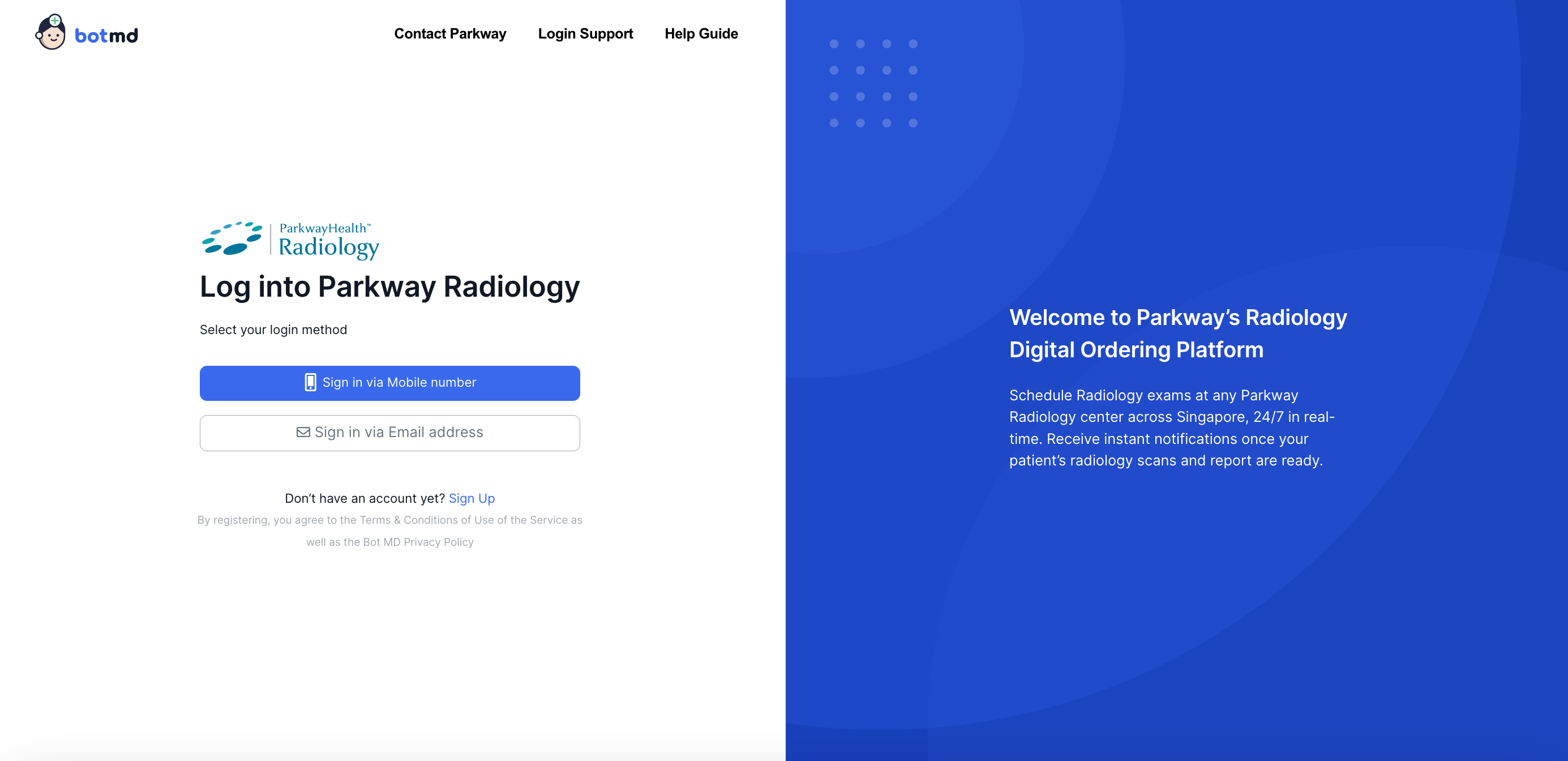
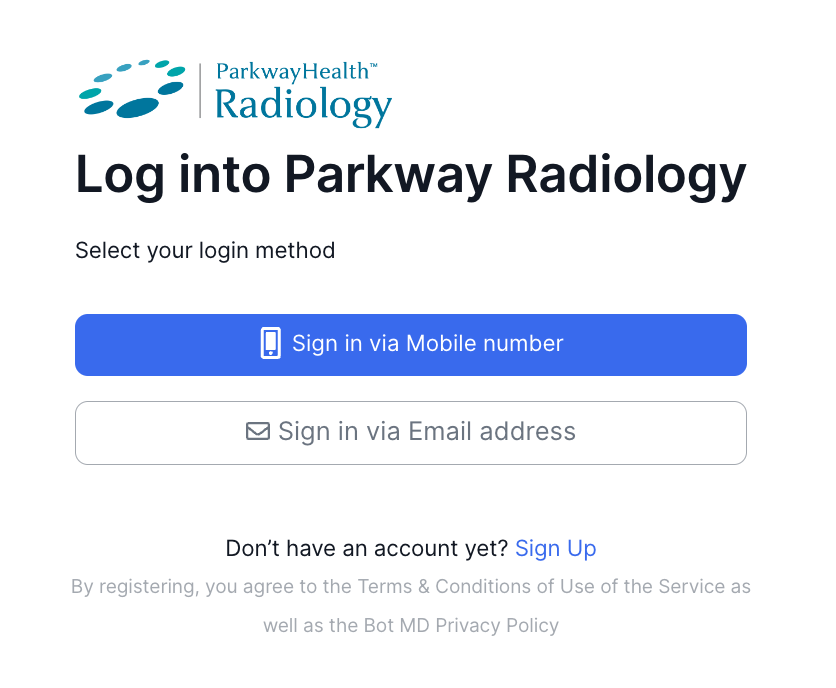
2. Click on the appropriate sign-in method (Mobile Number or Email), and click Continue.
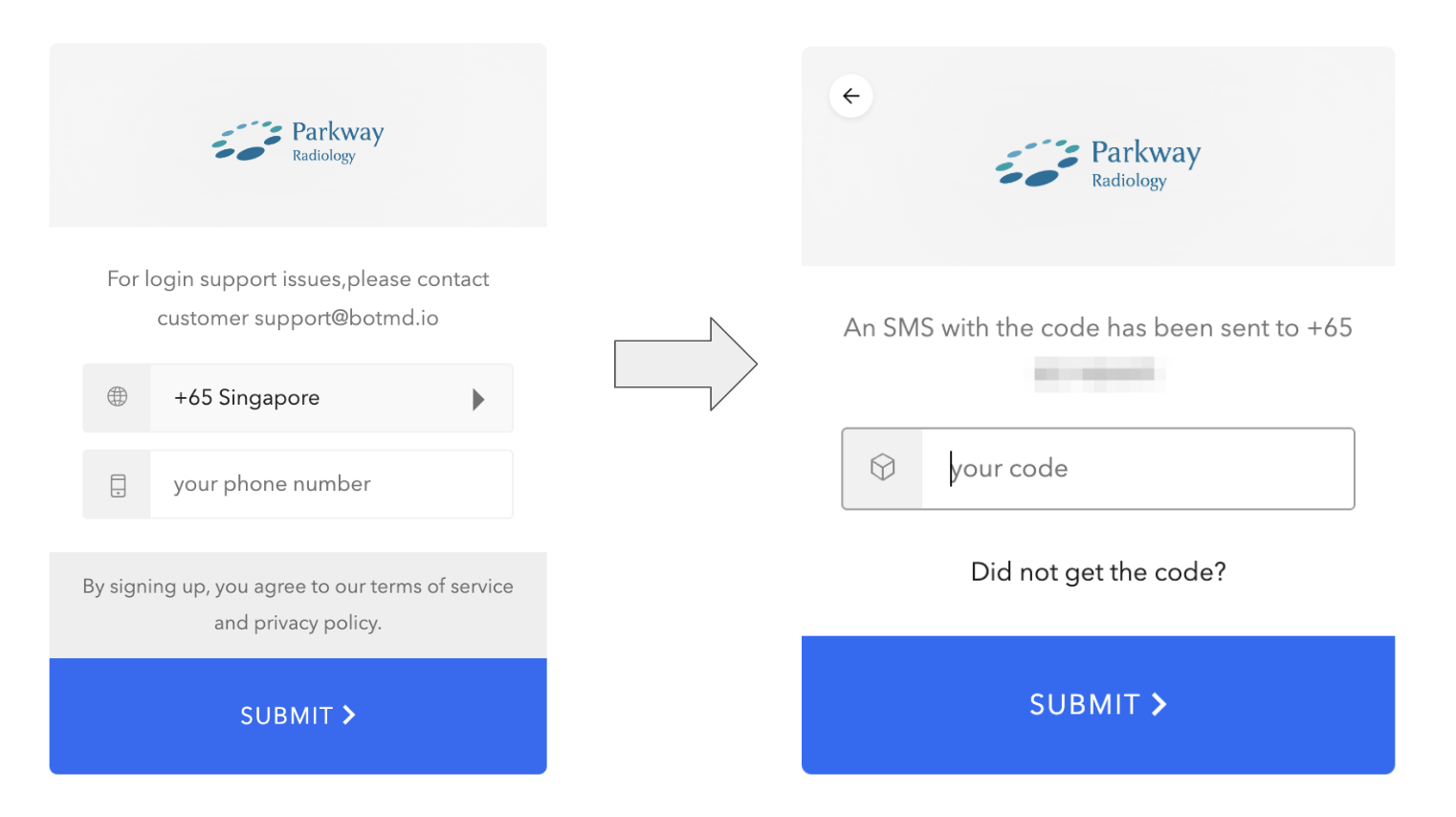
3. If you selected mobile number, key in your 6-digit One Time Passcode (OTP) received via SMS. Click on Submit to proceed.
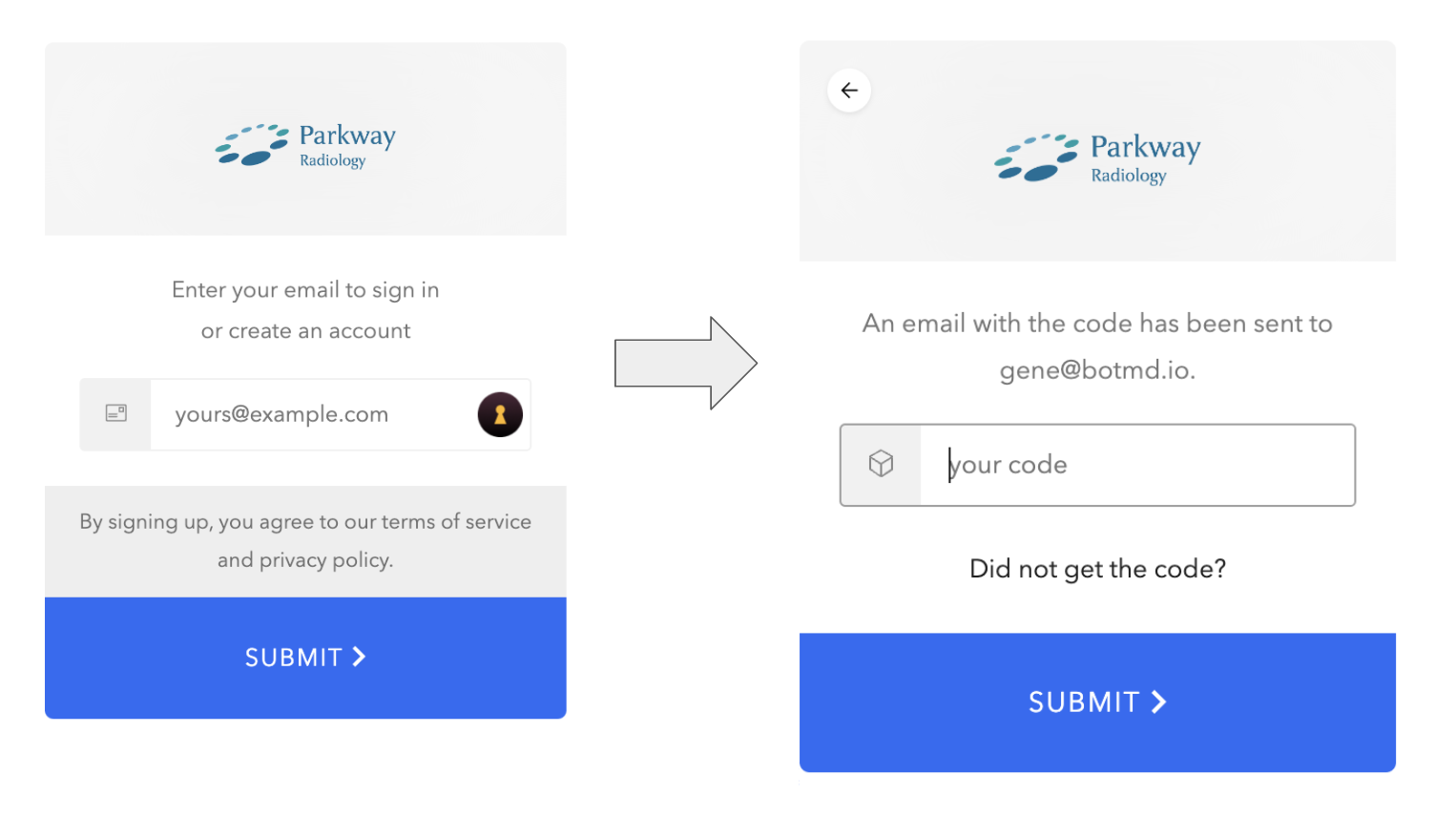
4. If you selected email address, enter the code sent to your Email. Click on Submit to proceed.
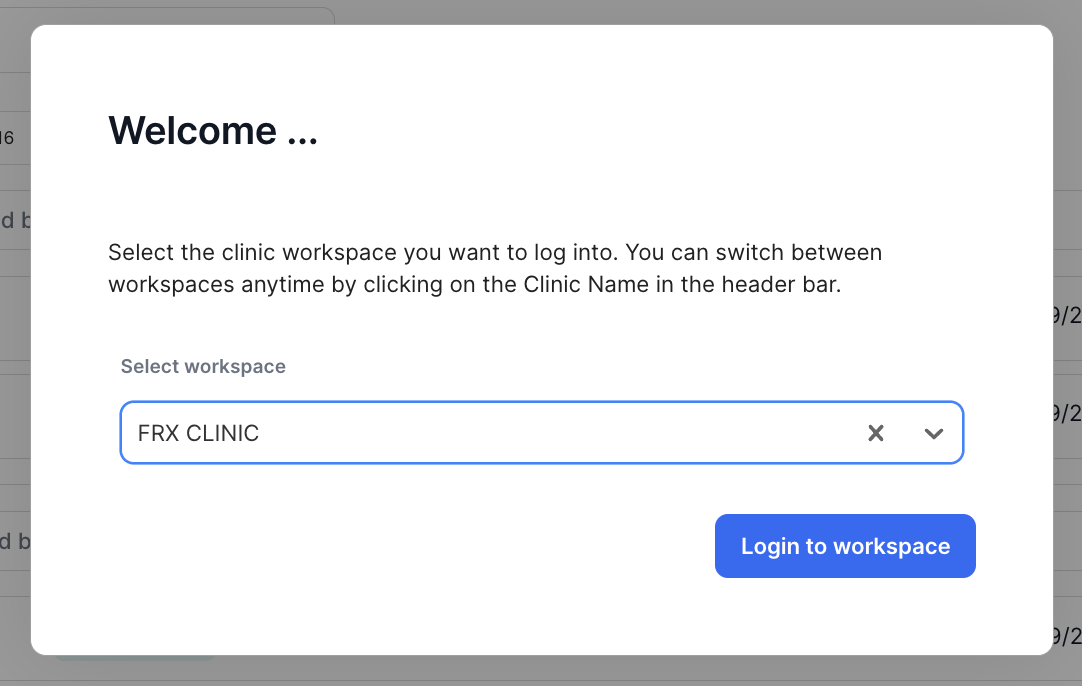
5. For doctors with multiple clinic locations, select your desired Clinic location then click Continue.
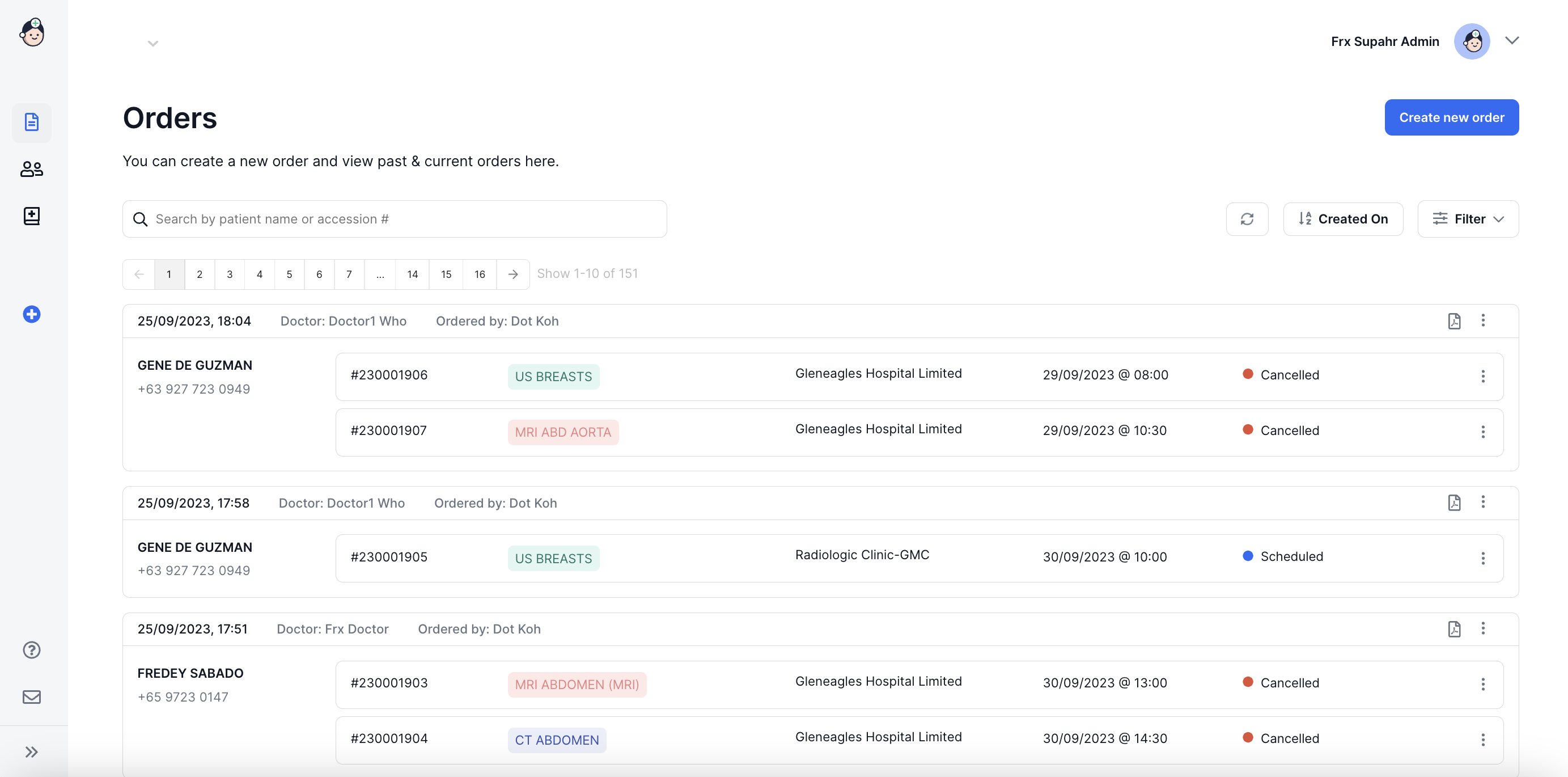
6. Upon successful login, you will be brought into the Main Dashboard
Switching Users on the Same Computer
Accessing the Bot MD Parkway platform may be done by multiple users with the same computer. The section below provides instructions for switching users in a single computer.
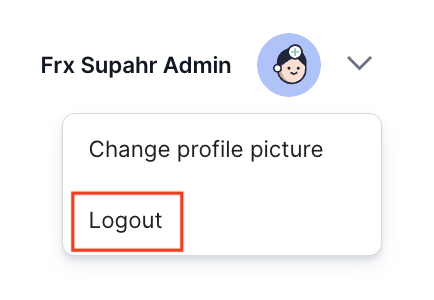
1. Make sure you are logged in with your registered account. The current logged in user is indicated in the upper right of your dashboard.
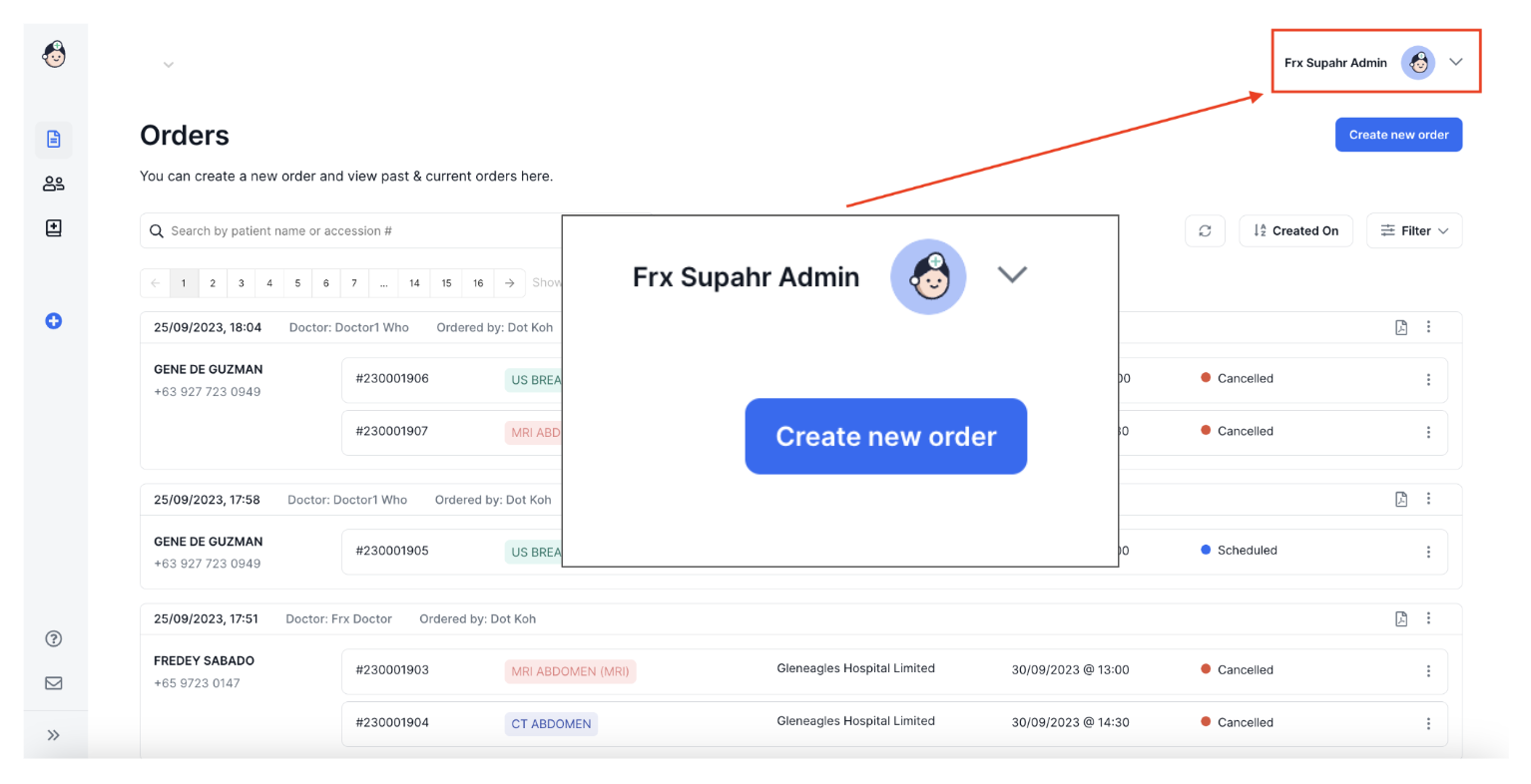
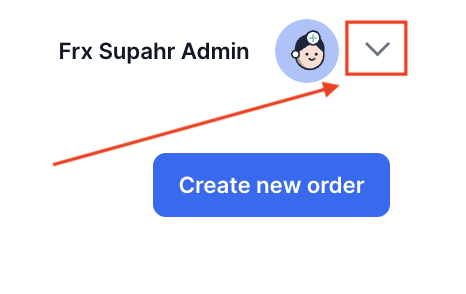
2. To change the current logged in user, click on the downward arrow on the right of the user name.
3. Click on Logout to log out the current user.
4. You will then be directed back to the Bot MD Parkway Login Page. You may now log in using your credentials (see section above on Logging In).