Installing Bot MD
Bot MD is an A.I. clinical assistant that is trained on your hospital's content. Get instant answers to your questions for daily on call and department rosters, hospital drug formulary, guidelines, clinical protocols and more. With Bot MD, you can also search for third party clinical content including UpToDate, MDCalc and QxMD.
To get started, download Bot MD on the Google Playstore or iOS App Store.
If you are unable to log in, reach out to us at support@botmd.io.
📲 How to Login
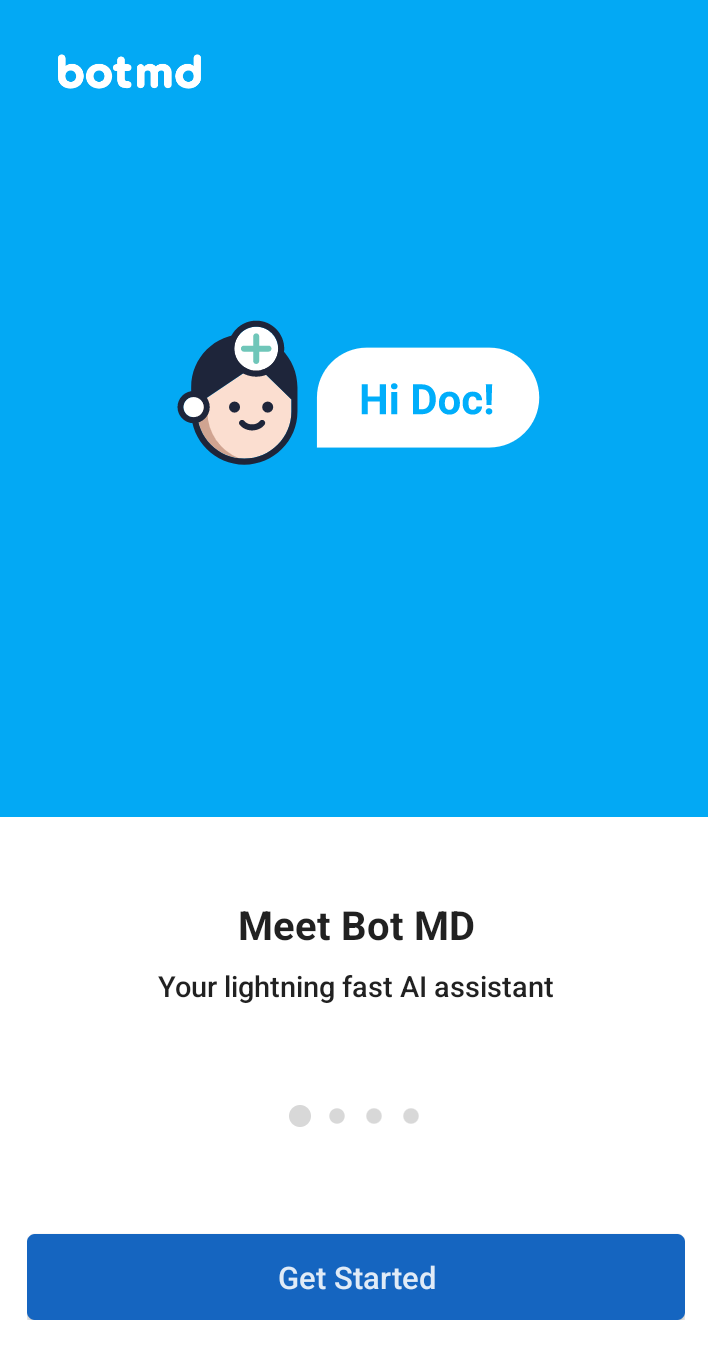
Step 1: Tap the App, then Get Started
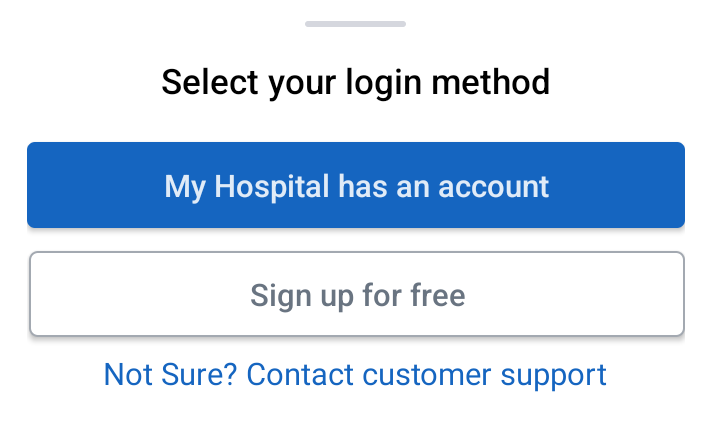
Step 2: For your login method select "My Hospital has an account".
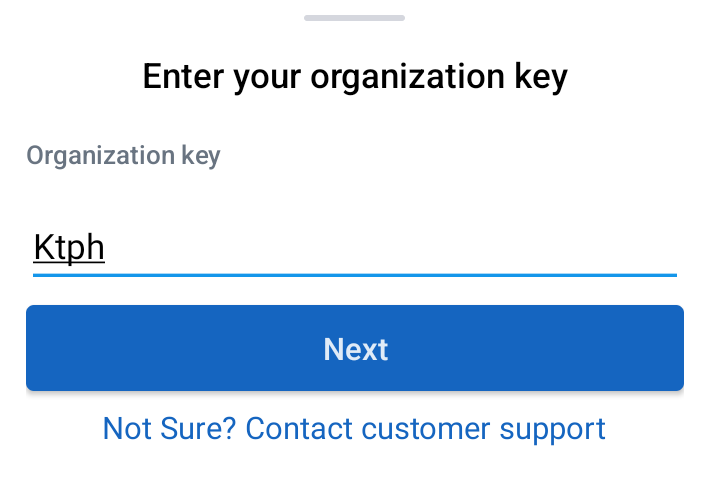
Step 3: Enter your organization name for the organization key (e.g. ktph)
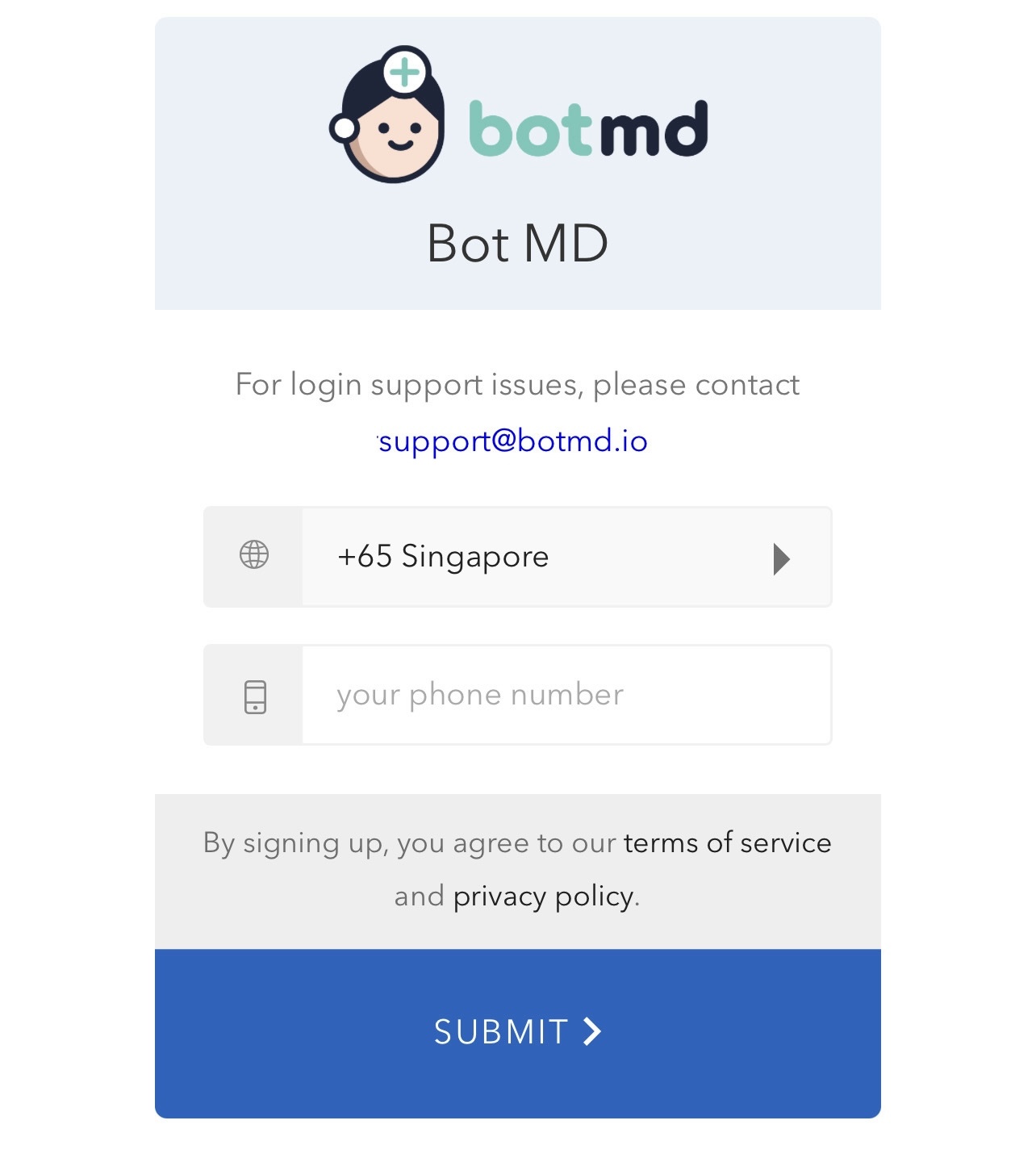
Step 4: Enter your work registered mobile number and tap "Submit".
Step 5: Enter the One-Time Passcode (OTP) sent to your mobile number.
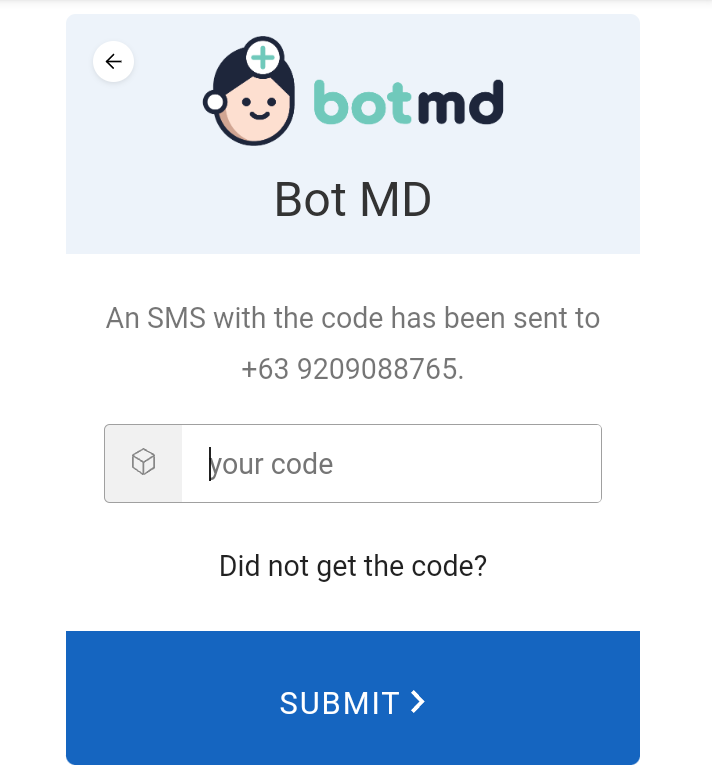
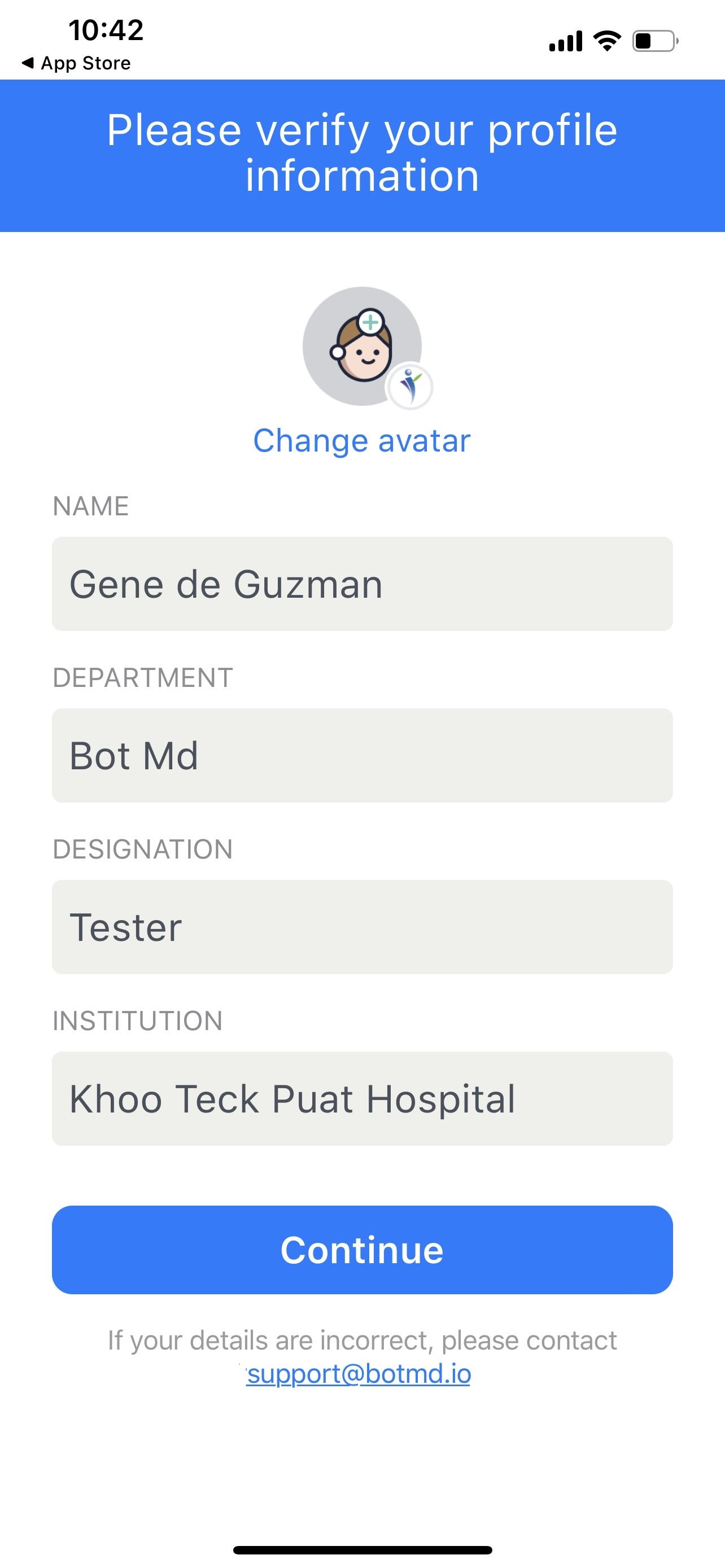
Step 6: Your profile information will automatically populate. This information is provided by your hospital, so if anything looks incorrect - please inform your department administrator.
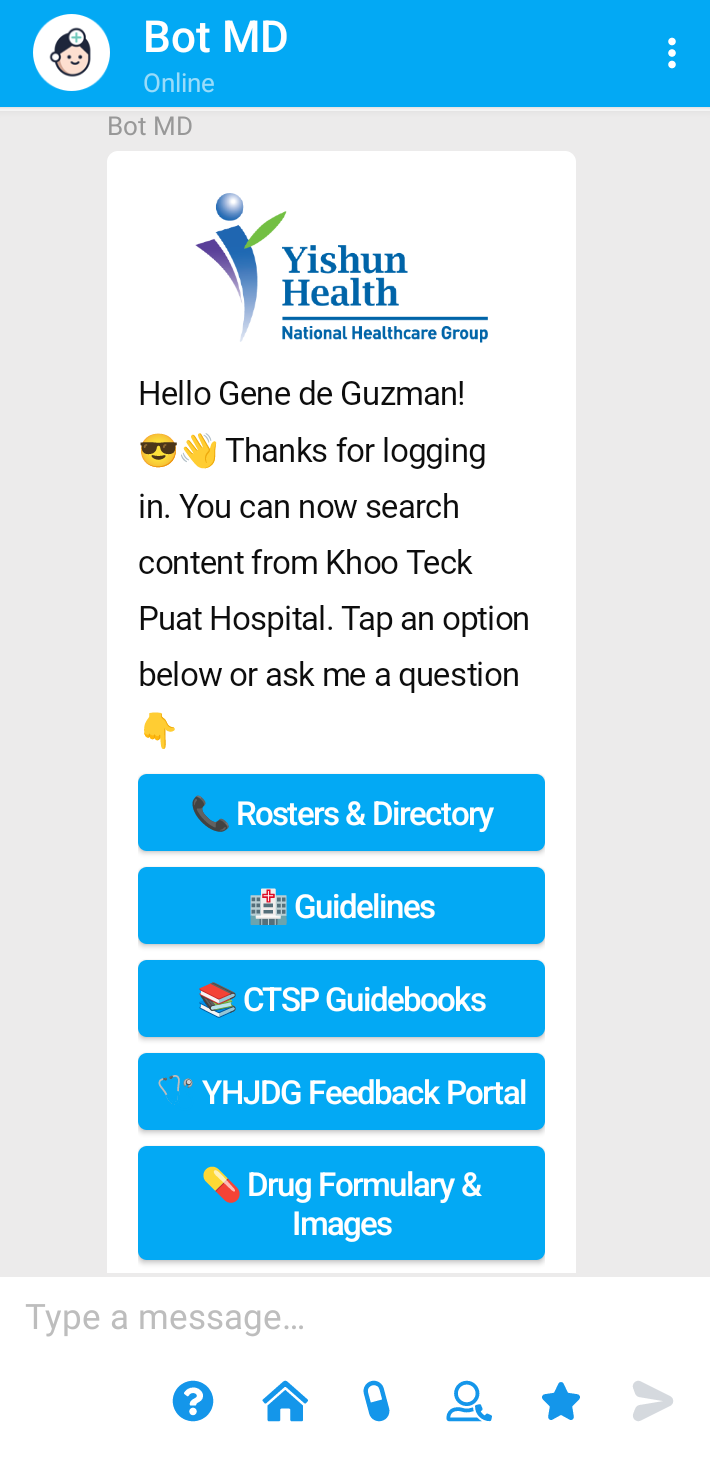
Step 5: Once you have logged in you should be greeted with your Hospital's Welcome Menu.
If you are unable to log in, reach out to us at support@botmd.io.