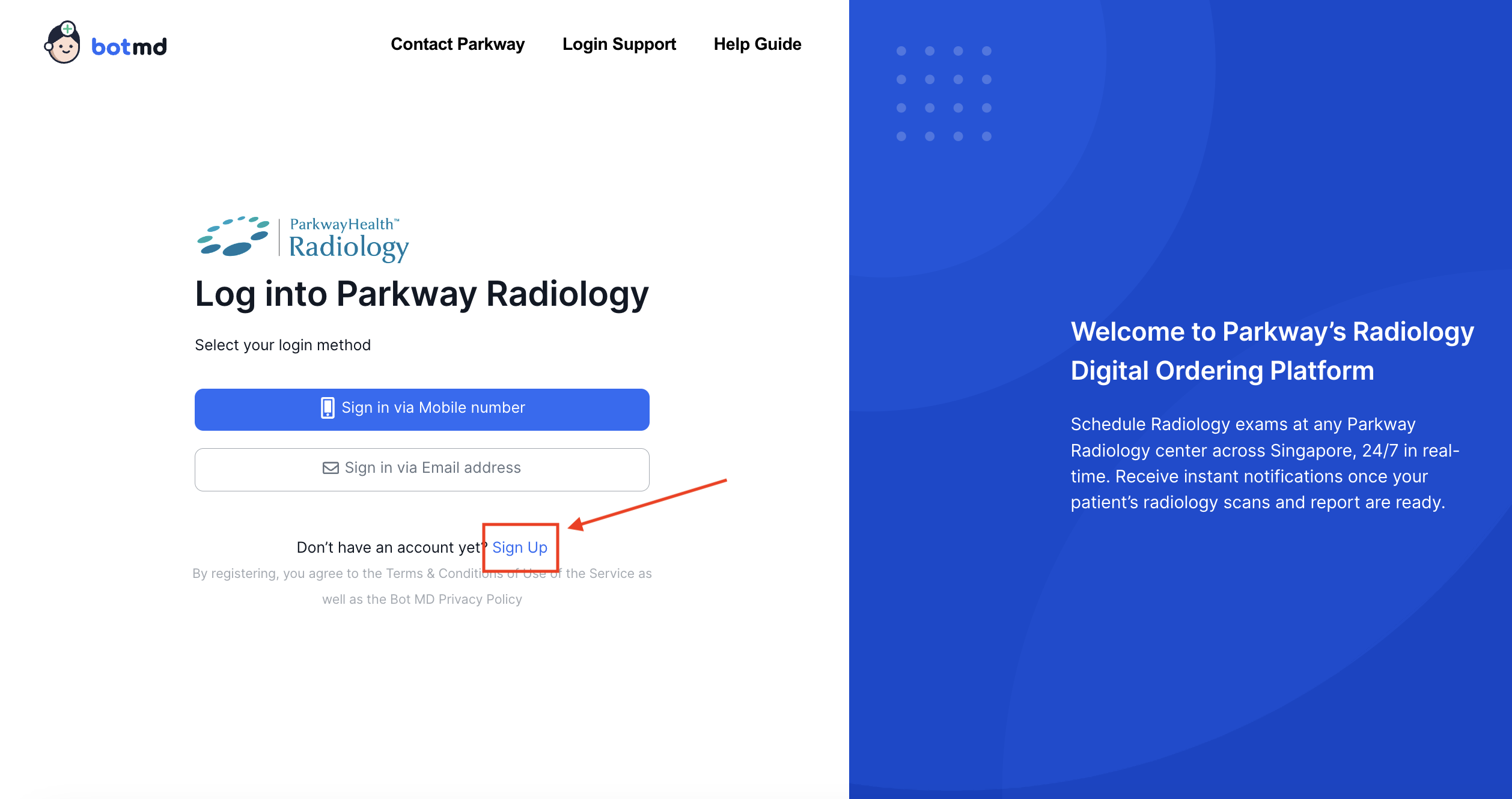
Encountered an issue, or got stuck and don't know how to proceed? Help is always just a few clicks away. This article will show you where and how you can request for support.
Prefer to see the instructions in a Video?
Accessing Help & Support While Logged In
Via Help Guide & Beacon
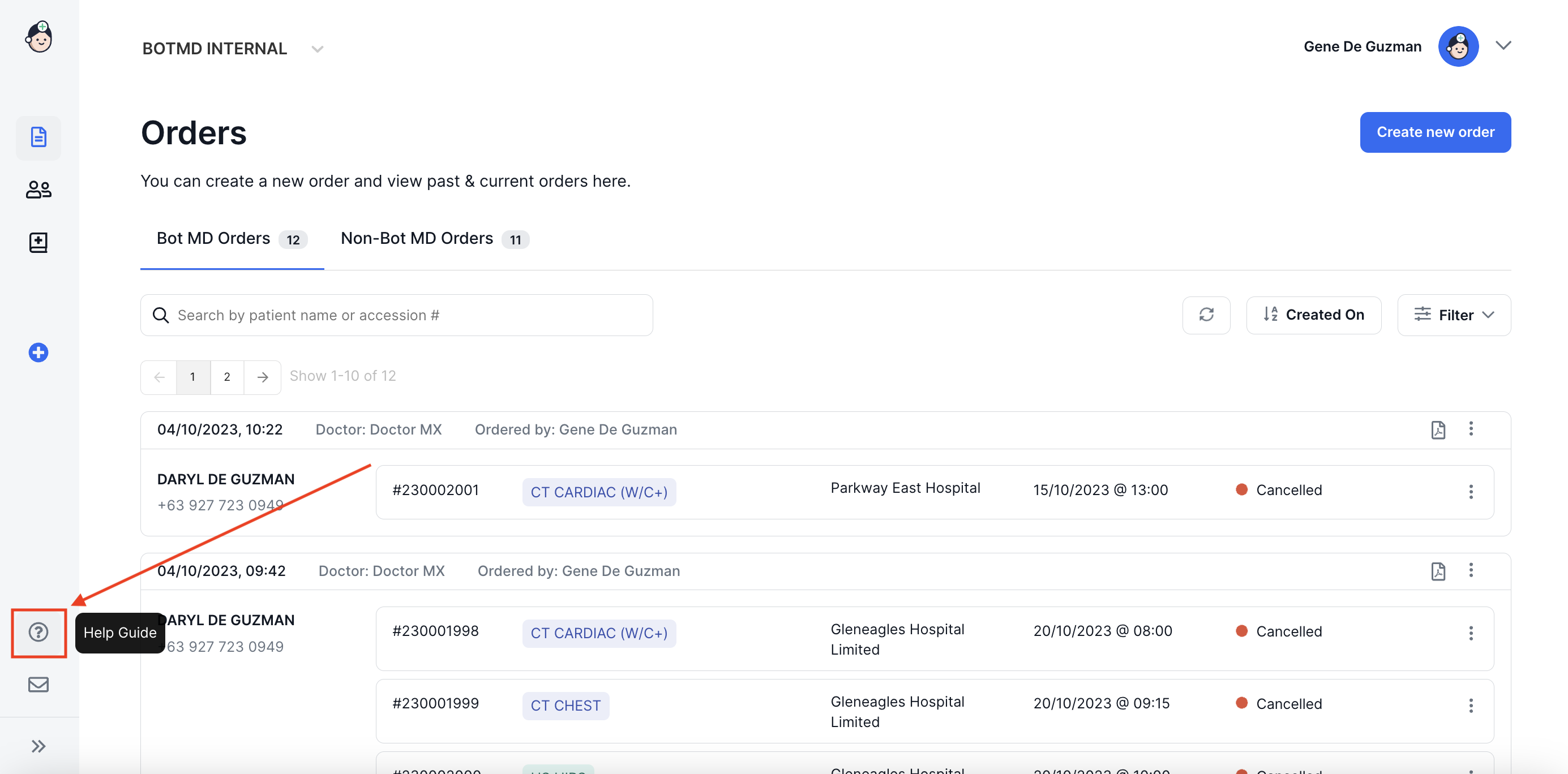
Our Help Guide Can be easily accessed by navigating to help.botmd.com, or if you are logged in, by clicking on the question "?" icon on the left menu.
When you access our Help Guide, The Beacon is the cute little blue icon at the lower left of the screen.
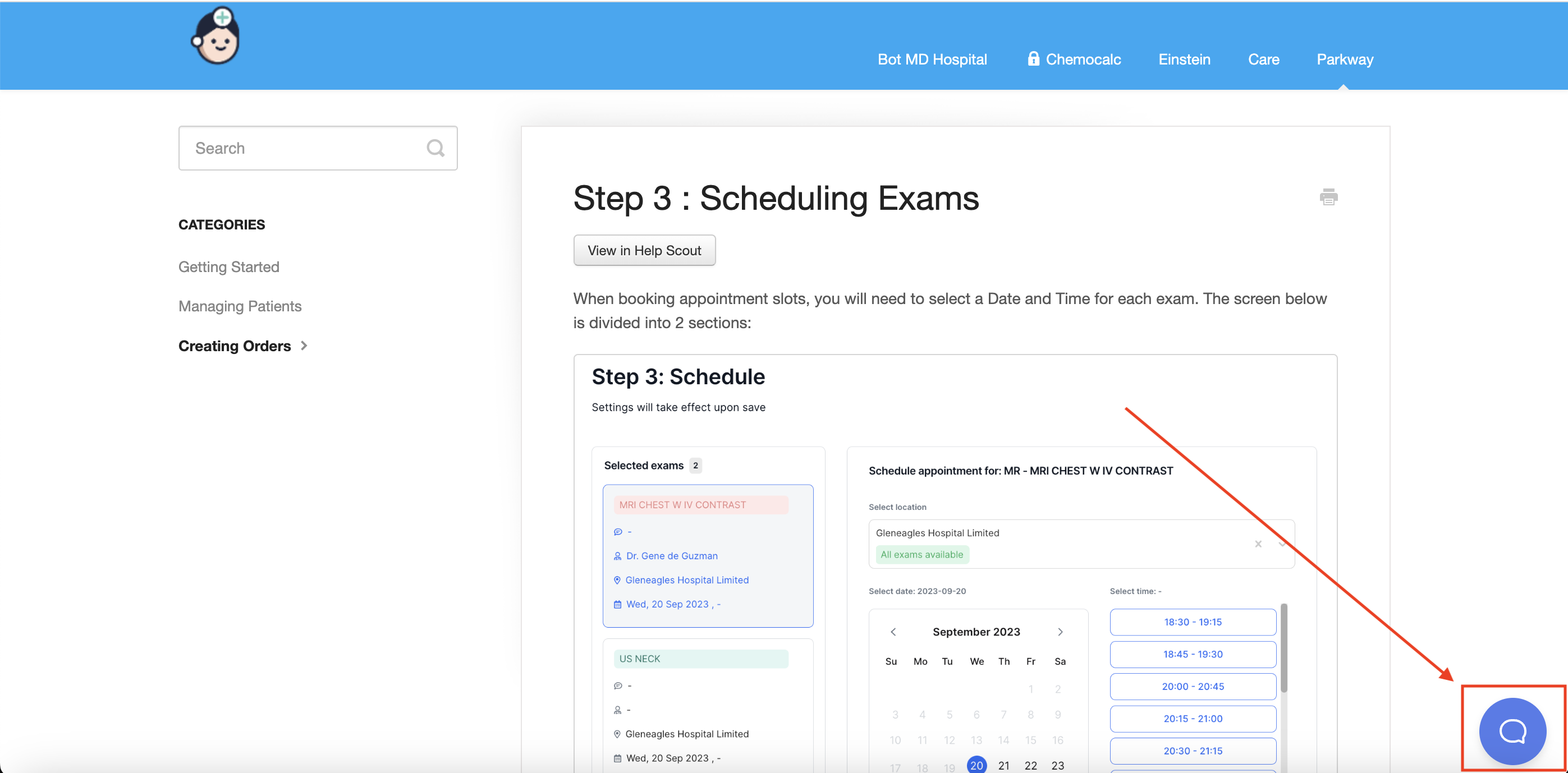
Accessing Beacon will enable you to:
- Search for specific topics in our Help Guide
- Send an email to our Customer Support team
- Engage us via Live Chat (office hours only)
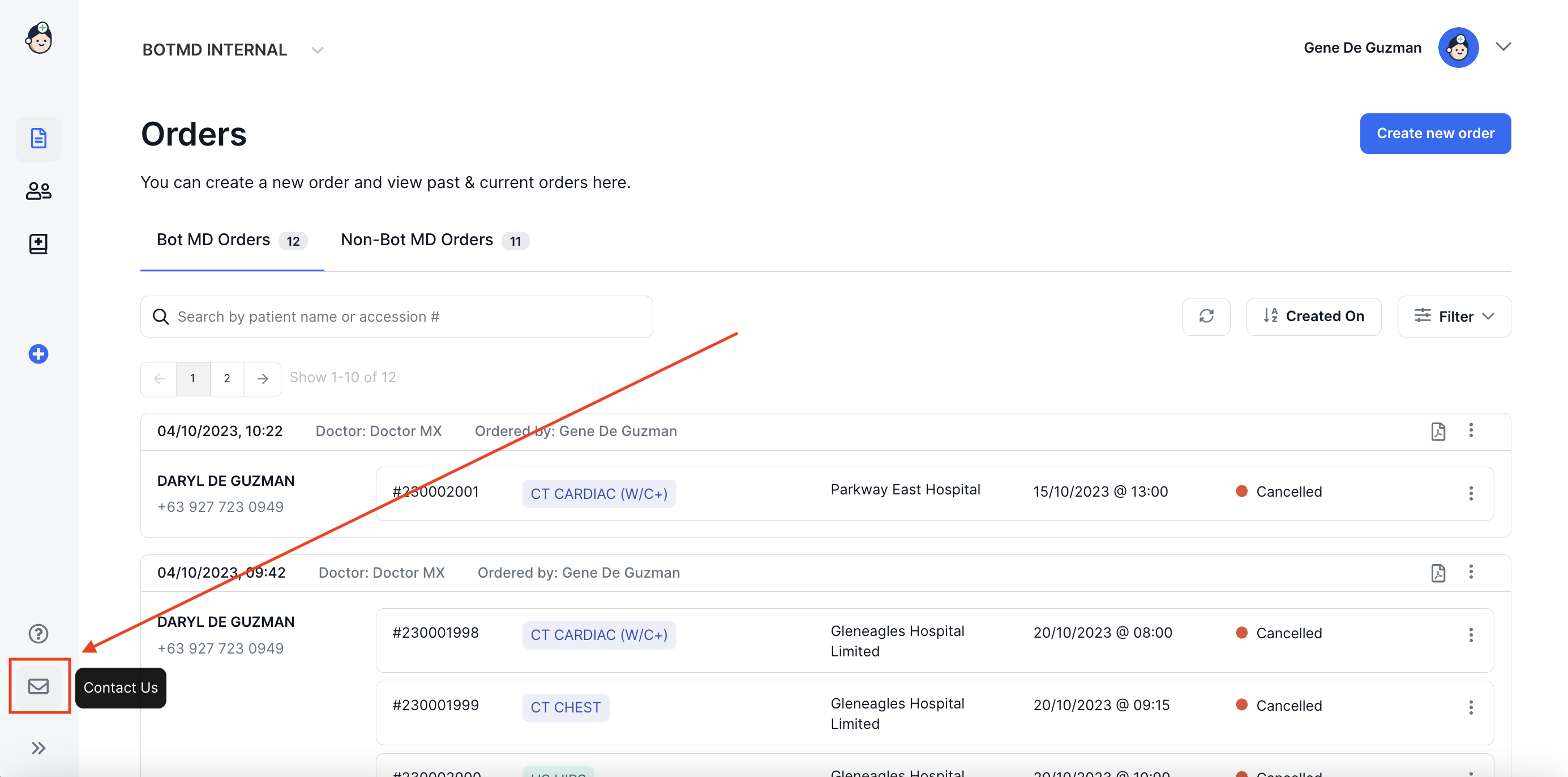
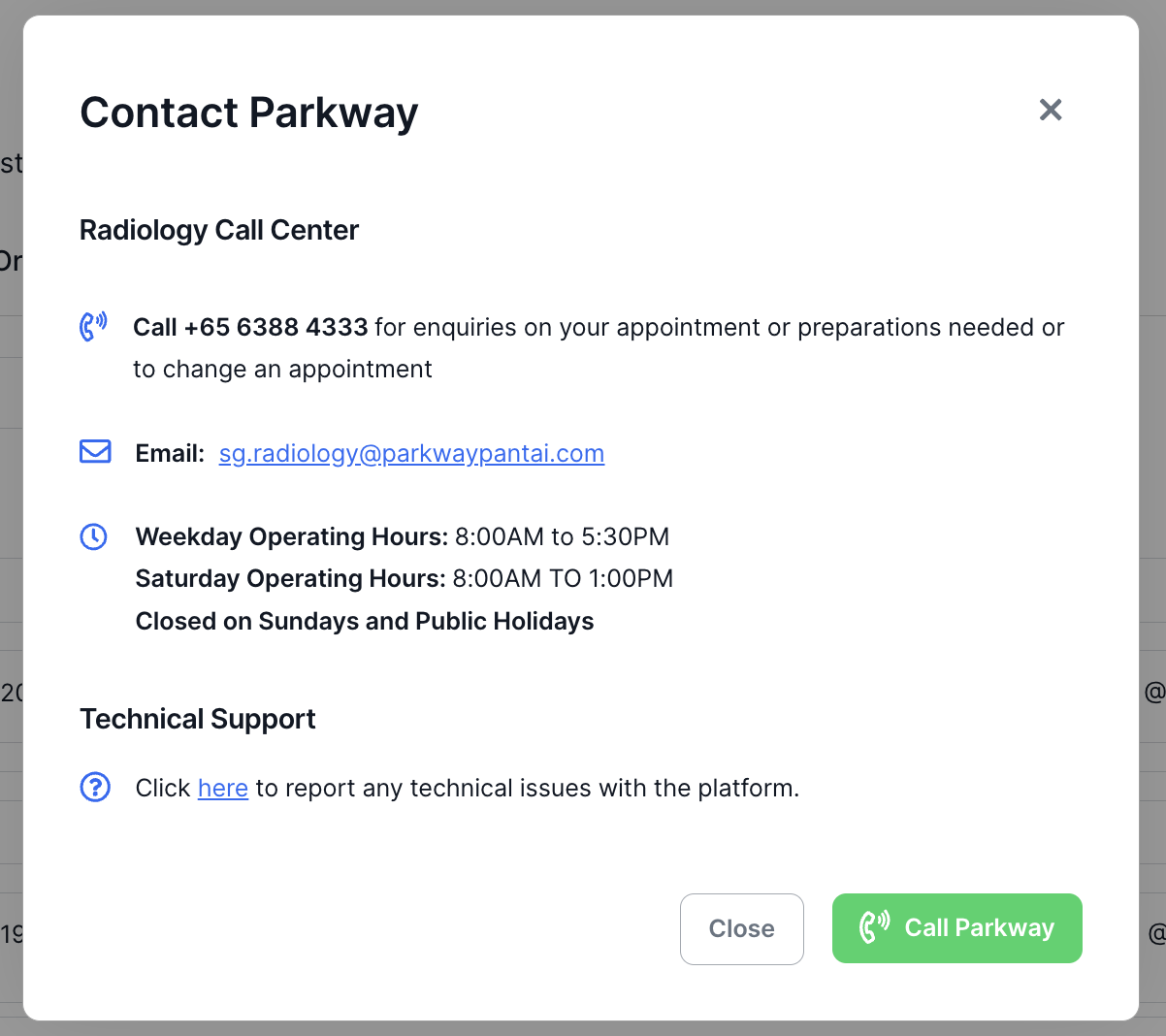
To Contact Parkway for Concerns With Clinics & Scheduling
Click on the Contact Us icon on the lower left menu
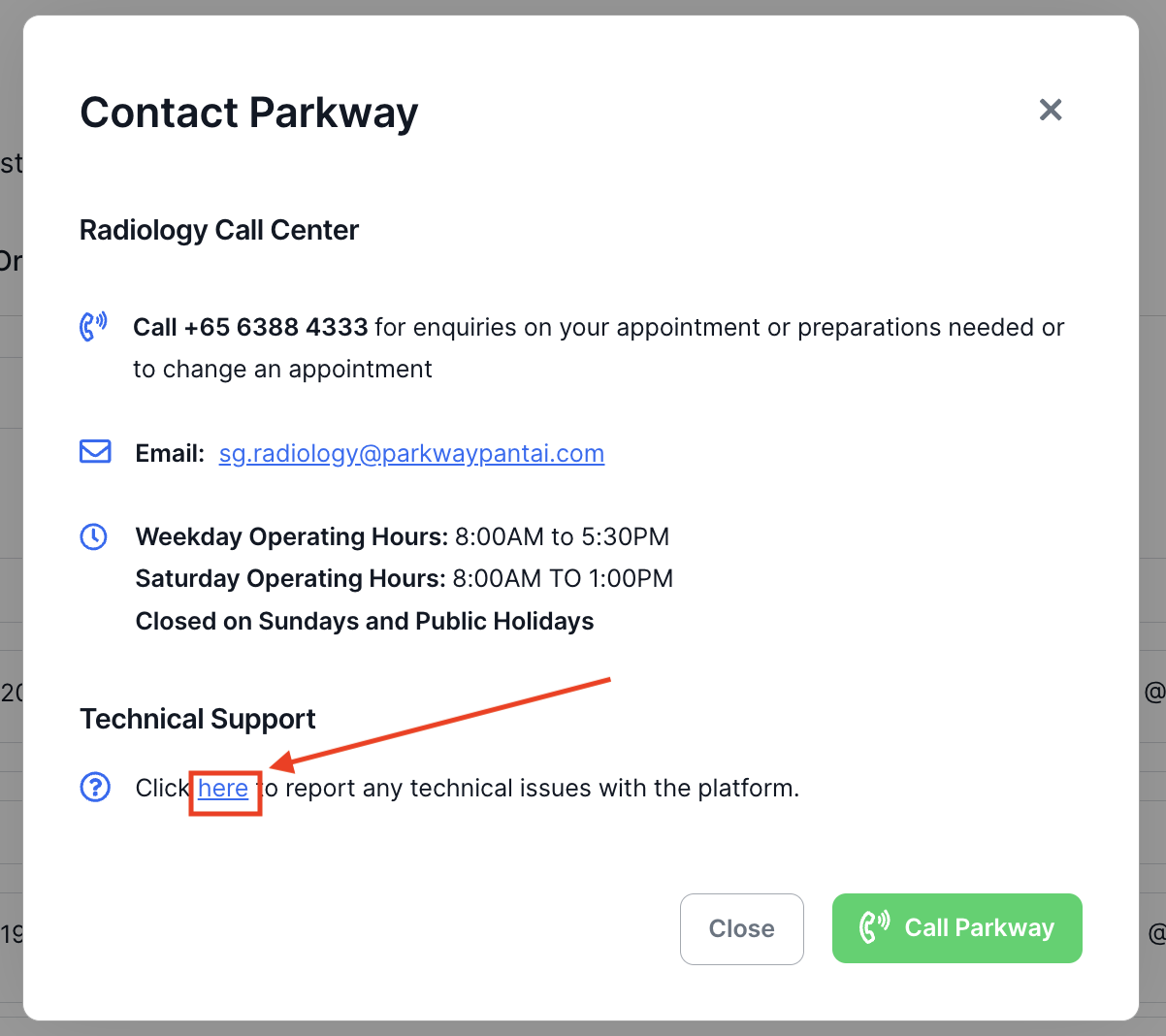
For Technical Issues with the Platform
Click on the "here" link in the Contact Parkway Modal Screen
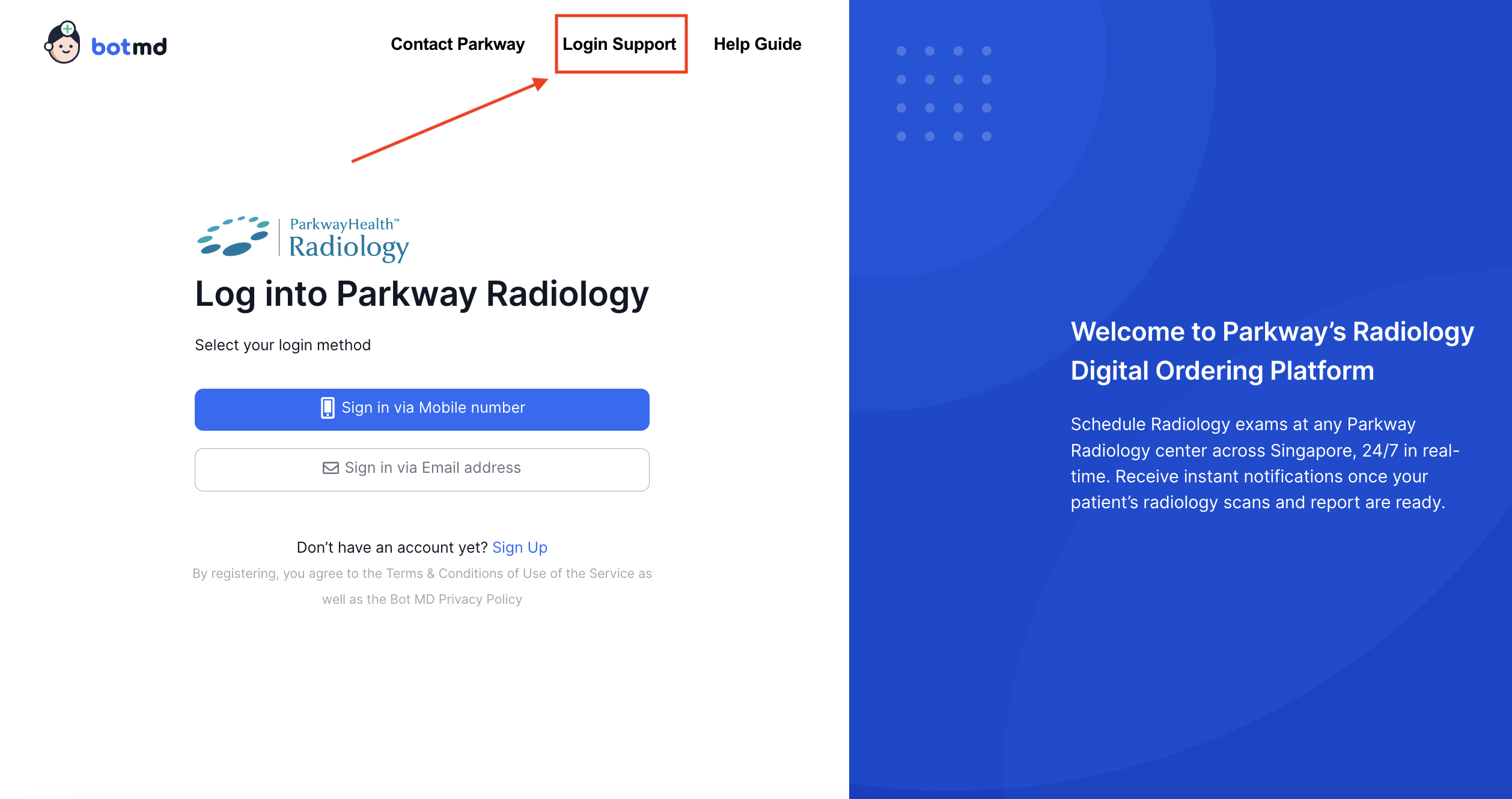
Accessing Support for Login or Access Issues
Click on the Login Support link on the Login Page
Requesting for Dashboard Access
Click on the Sign Up link on the Login Page