Skip to main content
Step 1. In your web browser, go to care.botmd.com or https://clinic.botmd.io/login (if your dashboard has already been upgraded to V3).
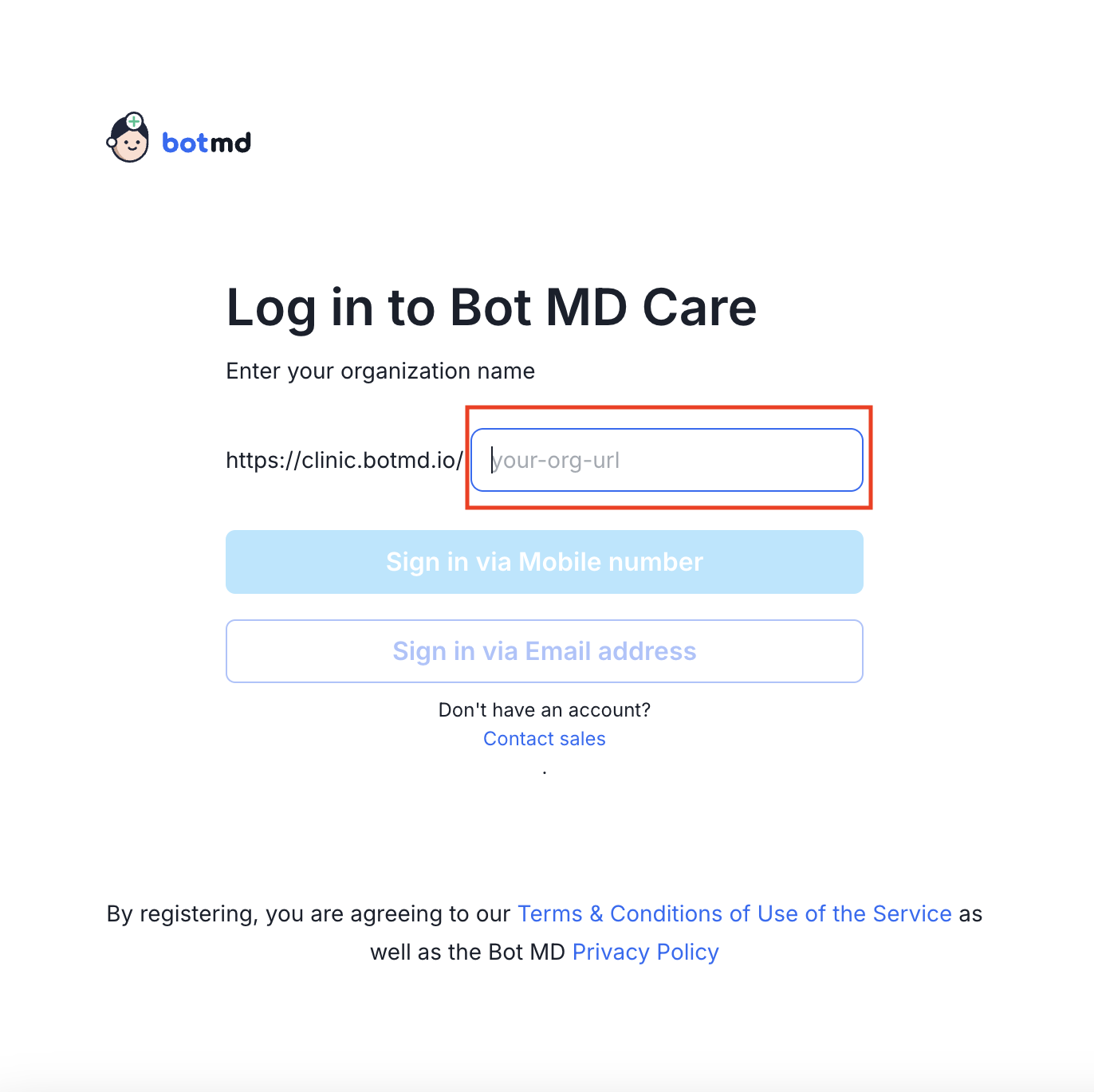
Step 2. On the Login Page, type your organization's name in the input bar (e.g. nkti)
| V2 (Old Dashboards) |
V3 (New Dashboards) |
 |
 |
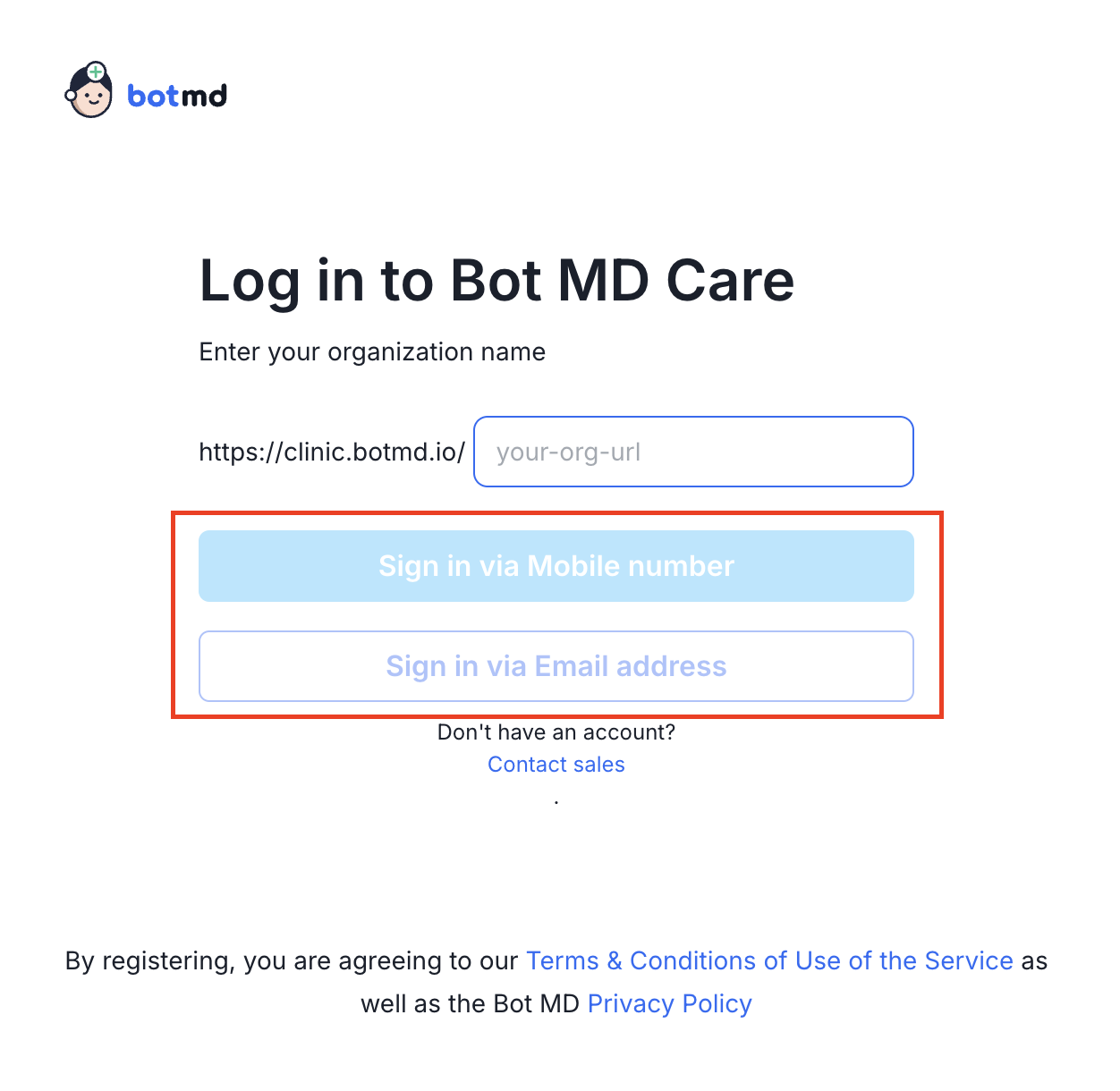
Step 3. Select your preferred login method (Mobile Number or Email address).
| V2 (Old Dashboards) |
V3 (New Dashboards) |
 |
 |
Logging in via Mobile number
Step 1: Select your Country Code, then type your phone number to sign-in

Step 2: Type the OTP code sent to your phone via SMS to login

Logging in via Email address
Step 1: Enter your email address in the input field

Step 2: Type the OTP code sent to your email address to login

Was this article helpful?
0 out of 0 found this helpful
Have more questions?
Submit a request